


























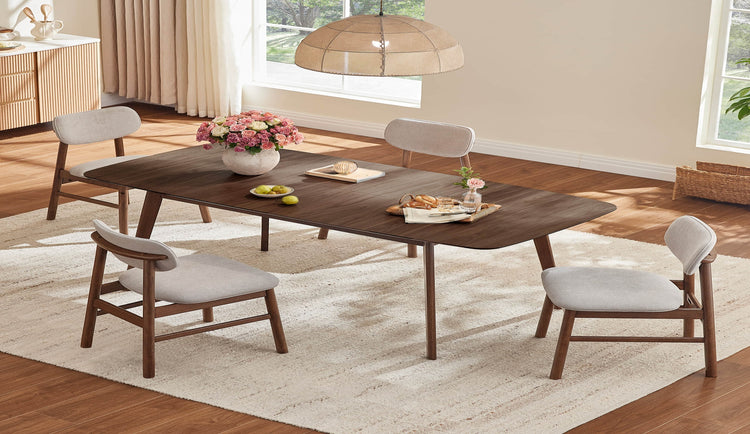
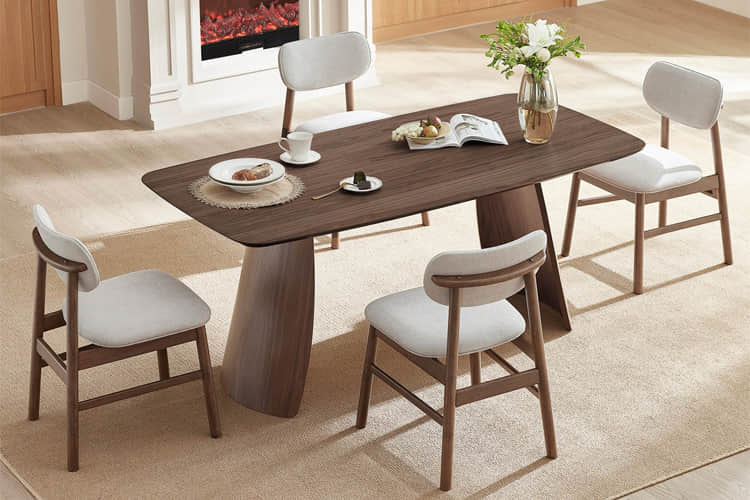













Standard dining chairs often fail during extended hybrid use because they lack the lumbar positioning, upright back pitch, and resilient cushioning needed to maintain comfort beyond casual meals. For remote workers and families turning the dining table into a multi-hour workspace in 2026, ergonomic dining chairs that deliver feature-density—targeted lumbar support at belt height, a 95° active pitch to resist pelvic rollback, high-resilience foam, and proper seat-to-table clearance—offer a smart alternative that looks like designer furniture while supporting 4-hour dinner-to-desk sessions.
This guide helps you judge which features truly matter, when a hybrid chair is the right fit versus a dedicated task chair, and how to measure your space so you avoid common regrets like leg numbness or early fatigue.

The Hybrid Reality: Why the 'Dinner-to-Desk' Shift Demands More from Your Seating
Many homeowners now spend 4+ hours at the dining table on laptops, yet standard dining chairs are built primarily for upright mealtime posture. After roughly two hours, the typical flat back and thin cushion encourage a slouch known as the "C-posture," where the pelvis rolls backward and the lower back loses its natural curve. This friction becomes noticeable as lower-back fatigue or leg restlessness sets in.
The solution is not to import an obvious office chair that clashes with your dining aesthetic. Instead, look for "feature-density": the combination of properly positioned lumbar support, an active backrest pitch near 95°, high-resilience foam that resists bottoming out, and seat dimensions that allow neutral arm and leg positioning. These elements turn a stylish dining chair into practical support for hybrid living without looking clinical.
The 4-hour threshold serves as a practical benchmark. Chairs that feel fine for a family meal often lose support during afternoon work blocks unless they incorporate task-grade resilience. This spring cleaning upgrade guide explores similar multi-use seating upgrades that balance style and daily comfort.
The 95° Active Pitch: Solving the Pelvic Rollback Problem
Most traditional dining chairs feature a relaxed 100–105° backrest angle that feels natural when eating but allows the pelvis to slide backward during forward-leaning laptop work. A 95° active pitch shortens the recline lever, helping keep the pelvis anchored and reducing the tendency toward posterior tilt over time.
This angle is not a universal fix and does not guarantee perfect posture on its own. It simply makes it easier to maintain an upright spine during typing sessions when combined with lumbar support positioned at belt height to follow the spine’s natural S-curve. As HSE ergonomic guidance explains, lumbar support works best when it aligns with the lower back’s lordotic curve rather than sitting too high or low.
95° vs 105° Backrest Pitch Trade-Off for Hybrid Use
This chart helps visualize relative strengths across typical dinner-to-desk scenarios. A 95° pitch generally rates higher for typing stability and pelvic rollback resistance, while a 105° angle often feels more relaxed for pure dining. Use these tiers as a planning guide based on whether your sessions lean toward focused work or social meals.
Show Supporting Table
| Feature | 95° Rating (1-3) | 105° Rating (1-3) | What It Means for You |
|---|---|---|---|
| Pelvic Rollback Resistance | High (3) | Medium (2) | 95° helps anchor the pelvis during typing; 105° permits more rollback over time |
| Typing Stability (4+ hrs) | High (3) | Medium (2) | Better upright retention with 95° for sustained desk-like tasks |
| Dining Comfort | Medium (2) | High (3) | Slightly more relaxed feel at 105° suits longer meals |
For most hybrid users, a 95° pitch paired with belt-height lumbar makes the chair feel more stable during focused work. A 105° angle remains perfectly suitable when dining and casual use dominate your routine. The key self-check is whether your primary sessions involve sustained forward-leaning tasks; if so, test the pitch in person or confirm the manufacturer’s backrest specification.
Foam Resilience and Seat Depth: The Science of 'Bottoming Out'
Dining chair cushions are typically thinner than sofa cushions, so foam density and construction matter more when the same seat serves 4-hour work blocks. High-resilience (HR) foam in roughly the 2.0–2.5 PCF range typically helps maintain the hip point (H-point) without collapsing under static load, though exact published PCF values vary by model and should be verified.
Initial plushness can feel inviting, yet the real test is whether the foam springs back after hours of use. The Cornell University ergonomic chair guide recommends leaving a two-finger gap (about 1–2 inches) between the front of the seat and the back of your knees. This "two-finger rule" protects circulation and ensures you can still reach the lumbar support without sliding forward.
What this means in practice is that a chair comfortable for dinner may bottom out during an afternoon of emails unless it uses resilient foam paired with adequate depth. Treat anything below 1.8 PCF as higher risk for extended static sitting, and prioritize HR construction over generic comfort foam when your routine regularly exceeds three hours.

Swivel and Mobility: Why Dynamic Sitting Is a Workday Essential
Static posture for hours increases pressure on the lower back and legs. A 360° swivel base lets you rotate easily to reach items or shift position, encouraging the micro-movements that MDPI research on flexible seating links to reduced musculoskeletal strain during prolonged sitting.
BIFMA X5.1 standards test swivel mechanisms for durability under loads up to 275 lbs, providing a useful benchmark for hybrid chairs that see both family dinners and daily work. This BIFMA standards overview outlines the testing protocols that separate casual furniture from pieces built for repeated movement.
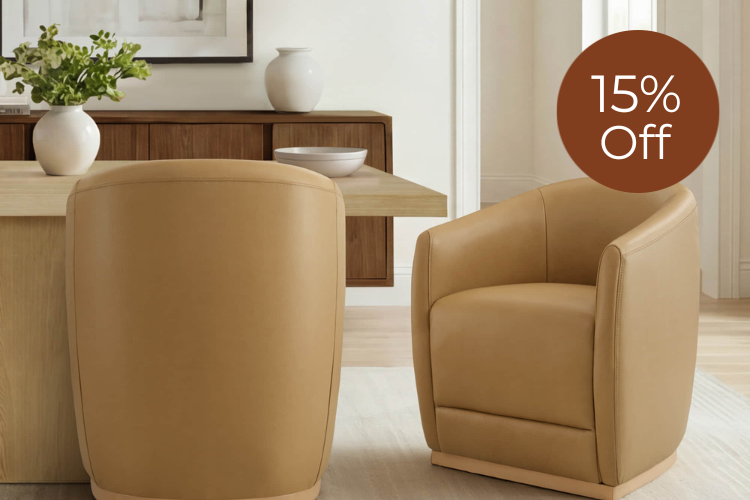
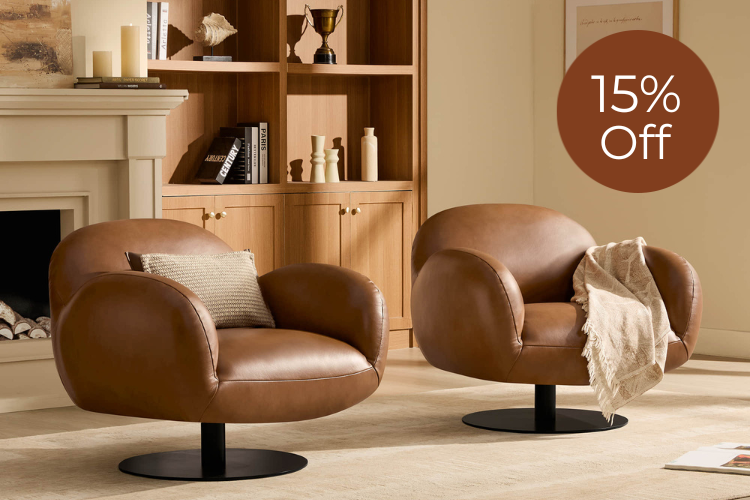
Models with smooth casters, such as the Mateo Curved Genuine Leather Rolling Dining Chair (Set of 2), bridge dining aesthetics and task-like mobility. The Leda Upholstered Swivel Dining Chair offers 360° rotation on a sturdy metal base while maintaining a clean profile suitable for open-plan spaces. These features become especially valuable in small apartments where one piece of furniture must handle multiple roles without constant repositioning.
The Comparison: Ergonomic Dining Chairs vs. Standard Seating
Standard dining chairs prioritize appearance and quick meals, often with flat backs, minimal lumbar, and lower-density foam. Ergonomic hybrid versions add targeted support and mobility while preserving a designer look that blends with your table and décor.
A true task chair usually offers more adjustability, deeper recline options, and higher-spec components optimized for 8+ hour workstation use. An ergonomic dining chair is rarely a full replacement for that scenario; it excels instead when your needs sit between casual dining and moderate work sessions lasting 4–6 hours.
The designer advantage is real: hybrid models avoid the obvious office aesthetic, making them preferable for living-dining areas shared with family or guests. Choose the hybrid route when your space is multi-purpose and your longest daily sitting block falls in the 3–5 hour range. Opt for a dedicated task chair or add a separate office setup when daily computer work routinely exceeds 6–7 hours or when full adjustability is non-negotiable.
The Dining Delta: Measuring Your Space for Neutral Posture
Table height and chair dimensions must work together. Most dining tables sit at 30 inches, so an 18-inch seat height creates the roughly 10–12 inch clearance known as the "Dining Delta." This gap lets your arms rest at a neutral angle instead of shrugging your shoulders or leaning forward.
Measure from the floor to the underside of your tabletop, then subtract your preferred seat height to confirm clearance. Also check that your feet rest flat or on a subtle footrest and that armrests (if present) slide under the table edge without forcing awkward elbow angles. Our sofa seat depth and height guide shares similar self-measurement techniques that translate well to dining chairs.
Ventura Interiors’ ergonomics guide reinforces that proper clearance prevents the shoulder and neck strain common when chairs and tables are mismatched. Perform this check before purchase—especially in older homes or with non-standard table heights—to avoid discovering discomfort only after assembly.
Choosing Your 4-Hour Chair: Match the Model to Your Routine
Begin by noting your longest typical sitting duration, primary table height, room size, and whether the space is formal or open-plan. For power users who log 4–6 focused work hours daily at a standard 30-inch table, prioritize 95° pitch, HR foam, and swivel capability. The Leda Upholstered Swivel Dining Chair and Mateo Curved Genuine Leather Rolling Dining Chair (Set of 2) fit this profile while looking at home in modern dining areas.
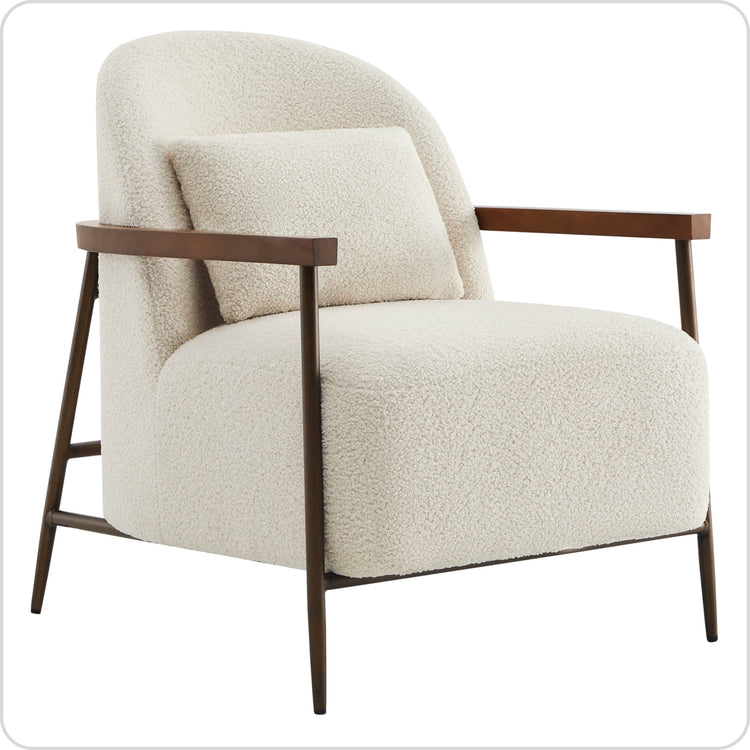
Casual hosts or families whose longest sessions mix meals and lighter laptop use can lean toward supportive but less mobile options. The Troy Boucle Dining Chair With Solid Wood, Janet Cloud-Shaped Boucle Dining Chair, or Winfred Mid-century Modern Chenille Dining Chair (Set of 2) deliver plush comfort and lumbar-friendly shaping with a classic or contemporary silhouette.
Performance fabric such as stain-resistant boucle or genuine leather improves longevity when the chair sees both food and screen time. Always verify seat height against your table and test the foam resilience in-store if possible. When your routine regularly exceeds 6–7 hours of intensive desk work, a purpose-built task chair paired with a separate dining set may reduce long-term regret.
FAQs
Are ergonomic dining chairs a full substitute for office task chairs?
No. They provide meaningful support for 4-hour hybrid sessions but usually lack the full range of height, tilt, and lumbar adjustability found in dedicated 8-hour task chairs. They work best when your needs fall between dining and moderate daily work rather than all-day professional workstation use.
What seat height works with a standard 30-inch dining table?
An 18-inch seat height typically creates the recommended 10–12 inch clearance for neutral arm positioning. Measure your specific table and test the resulting elbow angle before buying, as non-standard tables may require slight adjustments or a footrest.
How important is swivel capability for dinner-to-desk use?
It becomes valuable when you make frequent small movements to reach items or change focus. Swivel bases promote dynamic sitting that can reduce static pressure, but they are less critical if your routine is mostly static reading or meals.
What foam density should I look for in a hybrid dining chair?
Target high-resilience foam in the 2.0–2.5 PCF range as a planning guideline for 4-hour sessions. Lower densities may feel soft initially but often lose support faster in thinner dining cushions. Confirm construction details with the manufacturer since exact ratings are not always published.
How do I check lumbar support effectiveness before purchasing?
Sit in the chair and confirm the padded area aligns with your belt line rather than sitting too high on the mid-back. The support should gently fill the natural curve without pushing you forward. Combine this with the two-finger seat-depth gap for best results.
Can these chairs work in very small apartments?
Yes, especially swivel and compact models that tuck neatly under the table. Their dual purpose often saves space compared with maintaining both formal dining chairs and a separate office chair. Prioritize models with clean lines that match your overall décor.