




























What Is a Smart Sofa? Features, Power, and Buying Checks

A sofa's electronic features are most useful when they solve something you do every day: changing your sitting angle, adjusting your headrest, or keeping a phone charged nearby. Begin with those actions when comparing a smart sofa with a stationary model.
What Smart Sofa Means
Smart sofa is a broad shopping term for seating with built-in electronic functions. It can describe powered reclining, adjustable headrests, charging ports, or other features. The term alone does not specify a particular package of functions.
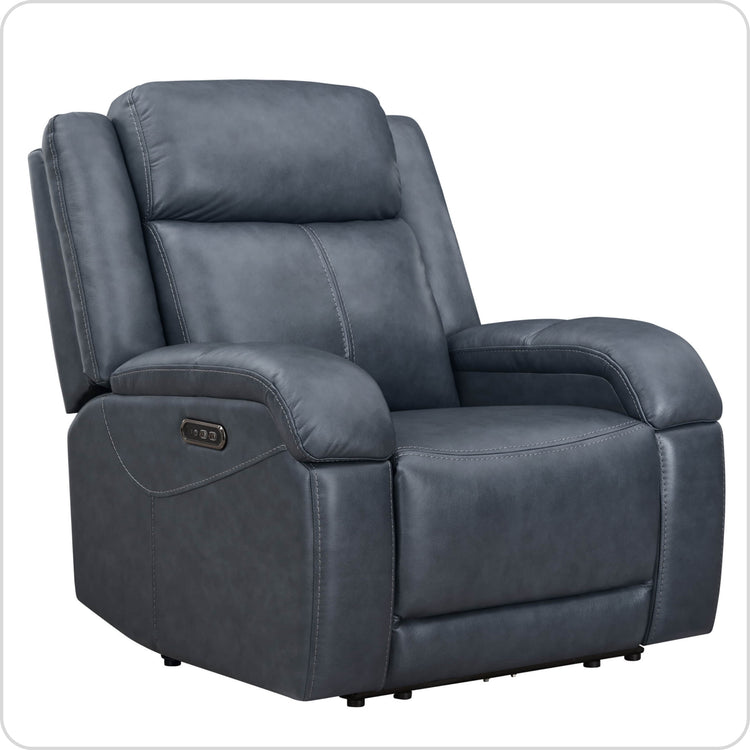
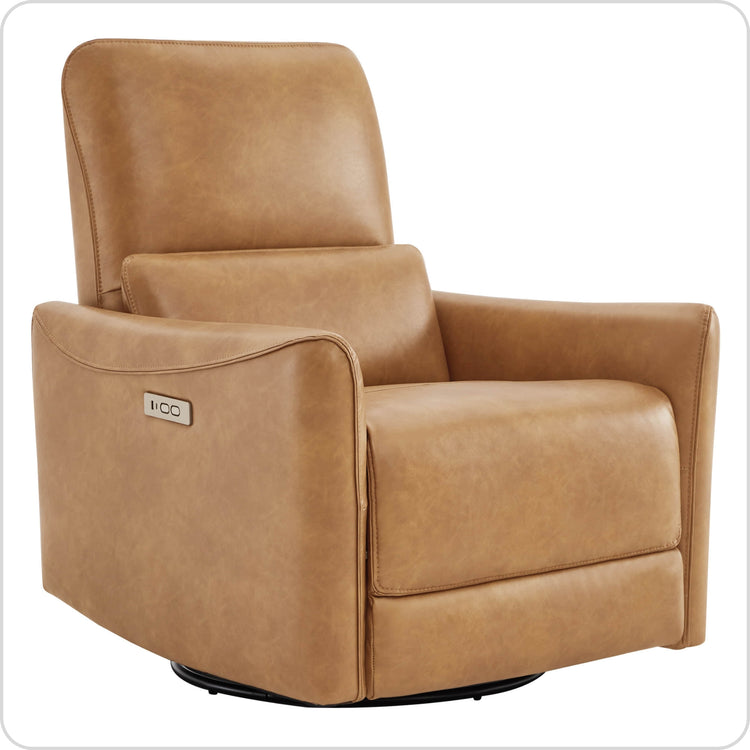
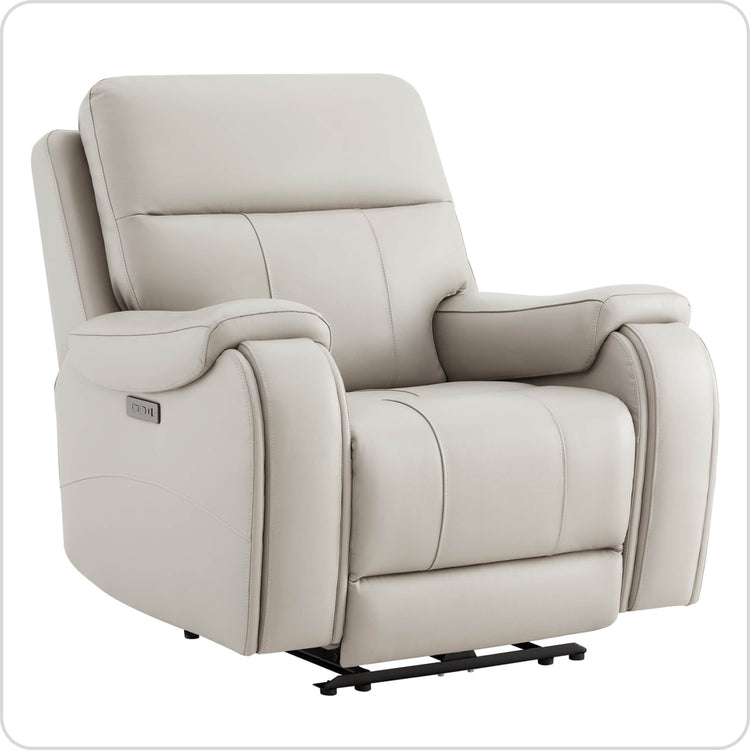
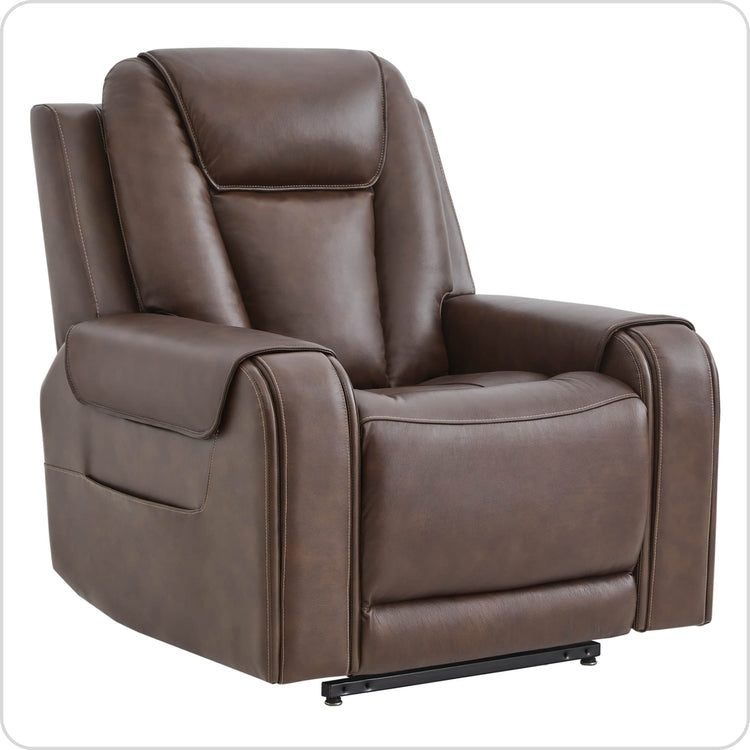
Check each feature separately. Power reclining describes motorized movement. A charging port provides a connection for a device. Wi-Fi, app control, heating, or massage require their own listed specifications. A sofa can offer useful powered adjustments with physical controls.
Which Features Will You Use?
| Feature | Everyday purpose | What to check |
|---|---|---|
| Power recline | Change the back and leg position using a control. | Which seats recline, how far they move, and where the controls sit. |
| Power headrest | Adjust head support while sitting or reclining. | Whether its control operates independently. |
| USB or USB-C port | Charge a compatible device nearby. | Output rating, charging protocol, and the device's requirements. |
| Console | Keep selected items within reach. | Whether the chosen configuration includes storage, cup holders, or charging. |
| Connected controls | Operate supported features through a network or app. | The exact connectivity requirements and functions, when offered. |
Separate your essential functions from occasional conveniences. If you mainly want to change position, concentrate on the controls and seat fit. If several people share the sofa, check how many seats adjust and whether each person can reach their control.
Features on Our Sofas
Powered reclining
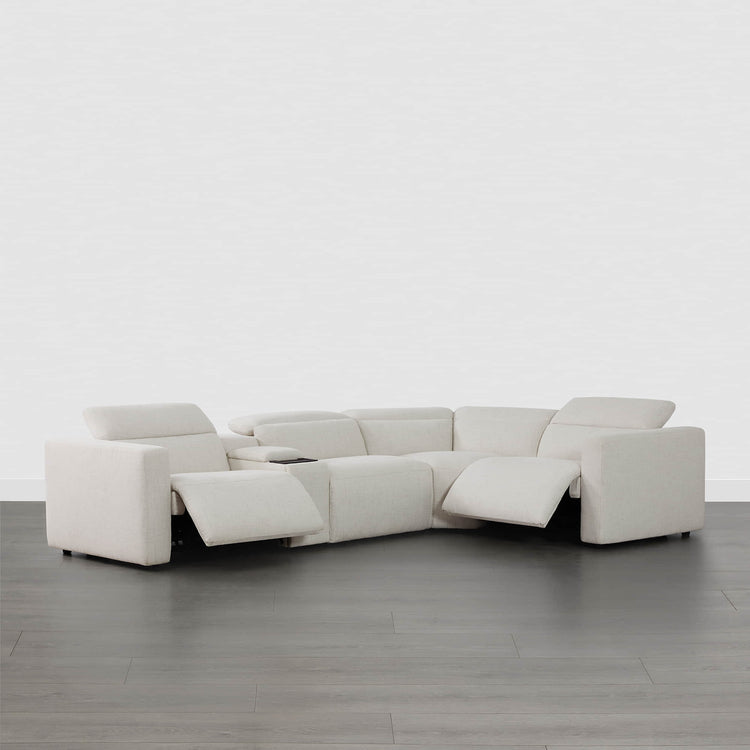
Our Ohana 4-seat modular reclining sofa includes powered reclining and a zero-gravity position. Compare the arrangement of reclining seats and modules with the way your household sits together.

Headrest adjustment and a console
Our Skyline 5-seat reclining sectional includes power headrest adjustment. Its console configuration also provides storage and charging features. Check the selected arrangement so you know which modules and console are included. Compare the Skyline reclining sofa configurations when checking seat count and console placement.

Place a phone on a wireless charging area only when the device and charger are compatible. The USB-IF guidance on USB-C and Power Delivery distinguishes the connector from the charging specification; laptop charging also depends on the port's power output and supported protocol. Check those ratings before planning to charge a laptop from a sofa.

A wall-hugger layout
Our Isaac leather power reclining sofa has powered recline and a separately adjustable power headrest. Its listed rear clearance is 3 inches. The seat moves forward as it reclines, so your layout also needs room in front for the extended position. Our wall-hugger mechanism guide explains the forward travel and the footprint to measure.

Plan for Power and Reclining Space
Mark the sofa's upright footprint, then add the full reclining depth and the required rear clearance. Check nearby tables, rugs, curtains, and the route through the room. Keep charging cables and power cords clear of the moving mechanism. Our floating-sofa cord planning guide shows how to check the outlet-to-sofa route through the full movement.
Use the supplied or approved power arrangement described in the model's instructions. A powered sofa needs an appropriate electrical connection to adjust. Check whether a compatible battery option exists and what it is designed to do before planning an installation away from an outlet. ESFI's extension-cord safety guidance identifies extension cords as temporary equipment and advises against running them under rugs.
During a power outage, the mechanism may stay in its current position until its power supply is restored. Use the model's instructions for any backup operation or release. If someone relies on the furniture for a safe transfer, include an outage plan in their seating arrangement.
Electricity use depends on the functions, their operating time, and standby consumption. Use the unit's electrical ratings and, where suitable, actual energy measurements when estimating cost. A general smart-sofa label provides no useful consumption figure.
Care and Service
Follow the instructions for the upholstery and the electrical components. Before permitted care, disconnect the power supply. Dust accessible surfaces with a soft cloth, keep liquids out of controls and ports, and check visible cables for damage.
If a powered function behaves unusually, keep people and pets clear of the mechanism and stop using that function. Send our sofa support team the model, order details, and control symptoms. A photo or short video can help us understand the issue; take it from a safe position.
Compare current prices, included configurations, warranty terms, and service options alongside the features. The choice is easier when you can name the functions you will use and show where the sofa will operate in your room. The FTC's guide to written-warranty coverage identifies the coverage period, exclusions, repair process, and potential charges as details to compare.
FAQs
Does a smart sofa need Wi-Fi to recline?
No. The physical-button reclining functions on our Ohana, Skyline, and Isaac sofas work from their electrical supply and onboard controls, without Wi-Fi. Connect the supplied power adapter and use the seat controls to adjust the powered parts. Phone charging also needs electrical power. An app or voice assistant is a separate feature; losing your internet connection does not stop these models' button-operated reclining functions.
Can a sofa USB-C port charge a laptop?
Only if the port supports the charging profile and power your laptop needs. Our Isaac sofa's optional multifunction console supplies 5 V at 2 A (10 W) through its USB and Type-C charging ports. That is insufficient for a laptop requiring 65 W, for example, so use that laptop's own charger with a suitable power outlet. A USB-C connector alone does not establish laptop-charging capability. Keep the charging cable outside the footrest's moving path.
What happens to a smart sofa during a power cut?
Powered adjustments and charging stop when their electrical supply is lost. For a sofa without a working, compatible backup supply, plan for the footrest to remain in its current position until power returns. Storage compartments and cup holders still serve their usual purpose. Keep an exit route beside a reclining seat and avoid forcing an extended footrest closed. If returning upright without household power is essential, choose a configuration with a documented backup or manual-release feature before buying.
Which smart-sofa features are useful for everyday use?
For reading or watching TV with your feet raised, independent headrest adjustment lets you change head support while keeping the reclined position. A wall-hugger mechanism suits placement close to a wall by moving the seat forward as it reclines. A charging port is useful when a phone cable can reach without crossing a walkway. A center console provides a place for drinks and remotes, and takes space that another configuration might use for seating. Choose the functions that match how each seat will be used.
What should I check if one powered function stops working?
Release the button, clear the travel path, and look for a trapped cable or object without reaching into the mechanism. If the whole sofa has no power and the supply appears undamaged, test the wall outlet with a working lamp. Disconnect the sofa before checking reachable external plugs for a loose connection. If other functions work, note exactly which control has failed; that narrows the fault beyond the wall supply. Leave motor and control housings closed. Stop testing if you see damaged wiring, smell burning, or get unexpected movement.
Recommended Products
 Recommended
Ohana 4-Seat Zero Gravity Modular Reclining Sofa
$3,872.99
Recommended
Ohana 4-Seat Zero Gravity Modular Reclining Sofa
$3,872.99
 Recommended
Skyline 5-Seat Zero Gravity Reclining Sectional sofa with Power Headrest
$4,299.99
Recommended
Skyline 5-Seat Zero Gravity Reclining Sectional sofa with Power Headrest
$4,299.99
 Recommended
Isaac Genuine Leather Wall Hugger Power Reclining Sofa with Power Headrest
$1,315.99
Recommended
Isaac Genuine Leather Wall Hugger Power Reclining Sofa with Power Headrest
$1,315.99
 Recommended
Ohana 5-Seat Zero Gravity Modular Reclining Sofa
$4,706.99
Recommended
Ohana 5-Seat Zero Gravity Modular Reclining Sofa
$4,706.99
More to Read
 7 Sofa Trends That Actually Improve Comfort in 2026
Upgrade your living room with furniture that supports your body. Here are 7 modern sofa features designed to maximize your daily comfort...
7 Sofa Trends That Actually Improve Comfort in 2026
Upgrade your living room with furniture that supports your body. Here are 7 modern sofa features designed to maximize your daily comfort...
 Mother's Day Gift Guide: Cozy and Stylish Furniture Picks for Modern Moms
Make Mother's Day more meaningful with furniture gifts that bring comfort, smart features, storage, and quiet luxury into her everyday routine.
Mother's Day Gift Guide: Cozy and Stylish Furniture Picks for Modern Moms
Make Mother's Day more meaningful with furniture gifts that bring comfort, smart features, storage, and quiet luxury into her everyday routine.
 Performance Fabric Reality Check: Does It Really Repel Pet Hair and Stains?
Performance fabric is often marketed as a miracle solution for homes with pets and kids, but the reality is more nuanced. It...
Performance Fabric Reality Check: Does It Really Repel Pet Hair and Stains?
Performance fabric is often marketed as a miracle solution for homes with pets and kids, but the reality is more nuanced. It...