






























A good reading chair earns that label by fitting your lower back, keeping your feet supported, and letting your arms rest without lifting your shoulders while you hold a book or tablet. Plushness alone doesn't guarantee any of that. The chair only works if you sit fully back, your reading device is at a comfortable height, and your position holds up over a long session rather than just the first five minutes.
That means checking a handful of specific features before you buy: how the backrest meets your lower back, where the armrests sit relative to your elbows, how the seat pitch and head support change between upright and reclined reading, and whether the cushion keeps your pelvis stable instead of just feeling soft in the showroom.
Lumbar Support: Fit the Lower-Back Curve First
Start by sitting all the way back in the chair and checking whether the backrest meets the hollow of your lower back without pushing your torso forward. If it doesn't, no amount of extra cushioning will fix the mismatch for a long session.
The lower-back fit test
- Sit fully back rather than perching on the front edge of the seat.
- Confirm the backrest supports the lower-back curve instead of leaving a gap or forcing you forward.
- Keep your feet flat on the floor or a footrest, and don't rely on a lumbar pillow to compensate for a seat that's simply too deep for your body.
OSHA's chair-fit guidance recommends trying a chair before buying it and checking that the backrest conforms to your spine's natural curve, that your feet rest flat, and that the seat supports most of your thigh without pressing into the back of your knee.
When adjustability earns its place
Adjustable lumbar height or back angle matters most when more than one person will use the chair, or when you read both upright and reclined. If a fixed chair's contour and dimensions already match how you sit, you don't need adjustability just to prove the chair is ergonomic. Buy adjustability to solve a real fit problem, not as insurance against one that doesn't exist for your body.

Armrest Height: Support the Book or Tablet Without Shrugging
Armrests succeed only when your shoulders stay relaxed while your forearms get real support from them while you're holding your book or tablet. Test them with the actual device in hand, since empty-hand posture can hide a mismatch that shows up after twenty minutes of reading.
Printed book versus tablet support
A paperback lets your hands shift position fairly often, so armrest height has some give. A tablet is usually heavier and wider, and it tends to demand steadier forearm support to avoid fatigue. If a chair will serve both uses, test it with each device rather than assuming one setup covers both. Either way, the device should sit high enough to read without lifting your shoulders or curling forward to see the page.
Signs the armrests do not fit
- Your shoulders rise noticeably when your forearms rest on the arms.
- Your elbows float above the armrests, or you have to press down to reach them.
- You end up holding the book or tablet unusually low or far from your body to compensate.
CCOHS's armrest and seat-clearance guidance suggests bending your elbows to roughly a right angle and adjusting armrest height until they barely touch the underside of your elbows, with your shoulders staying relaxed. A fixed-armrest chair is fine as long as its height already lands in that range for your actual reading position.
Seat Pitch and Head Support: Match the Reading Position
Seat pitch and head support don't follow one universal measurement, so match them directly to your posture. Upright reading needs stable back contact without sliding, while reclined reading requires dedicated head support and lumbar alignment at that exact tilt angle.
For upright reading
- Keep your back against the chair instead of sliding toward the front edge as the session goes on.
- Check that the seat angle doesn't roll your pelvis backward or pull your head forward to compensate.
- A fixed chair is enough here when its back contour and arm height already suit your body.
For reclined reading
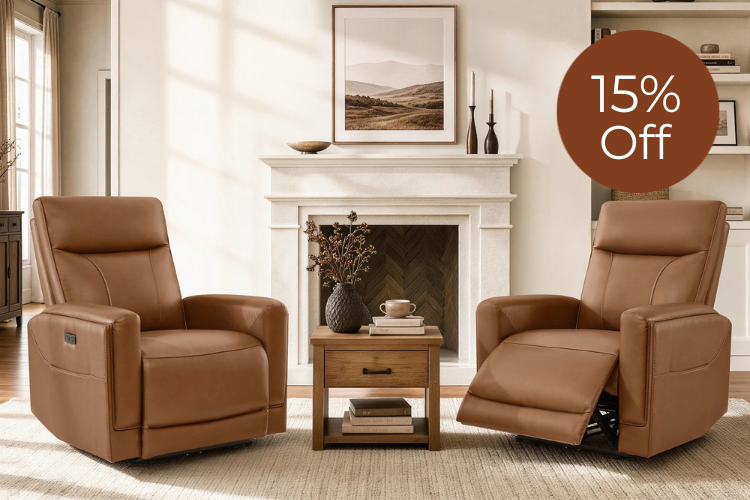
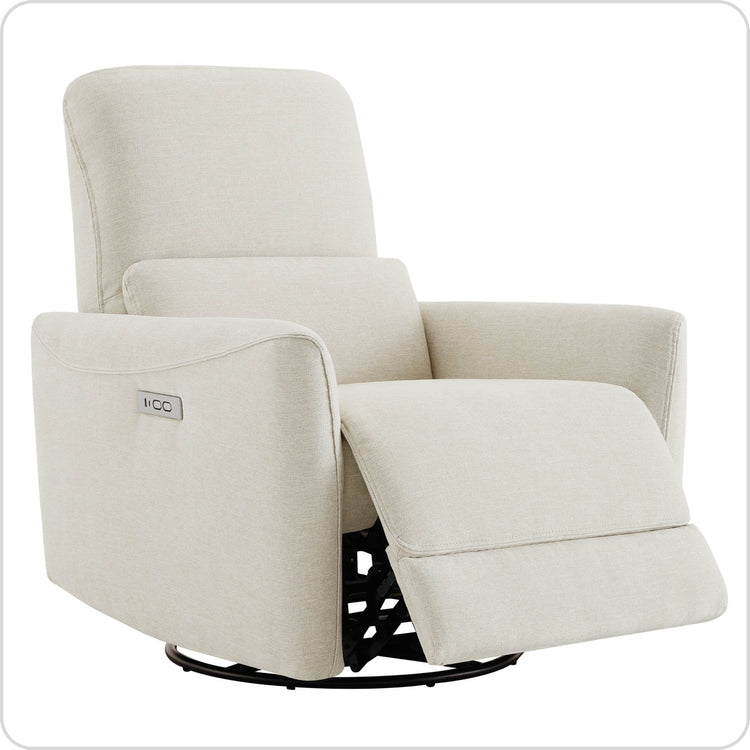
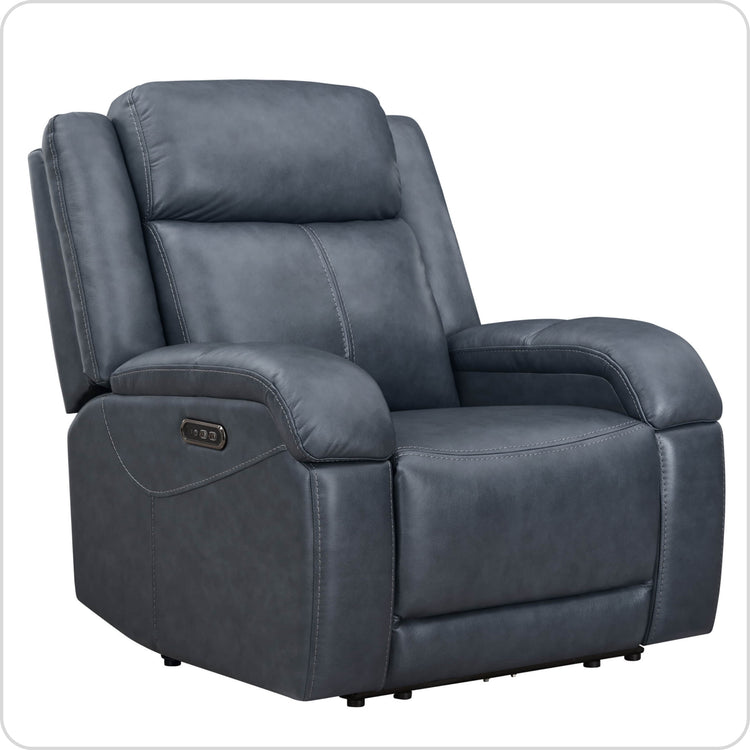
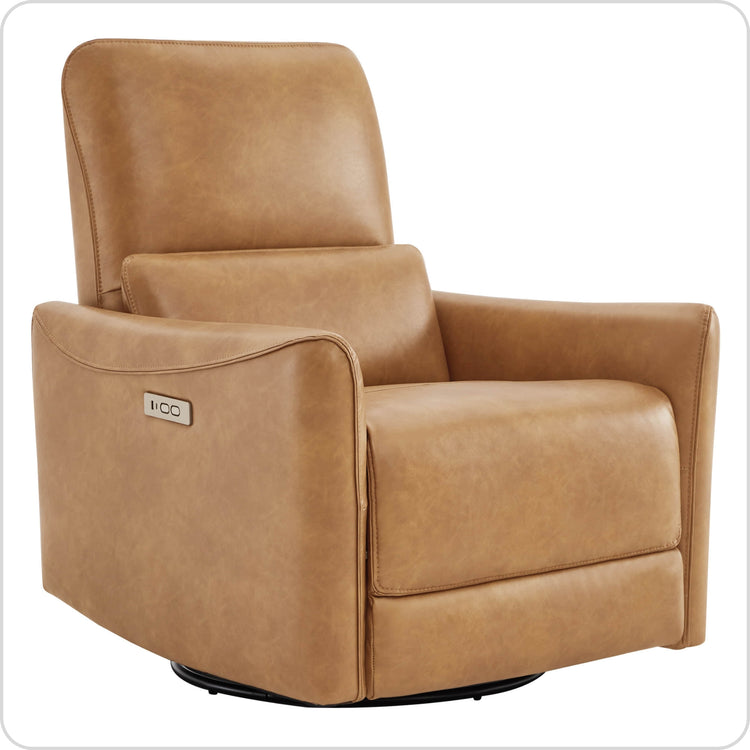
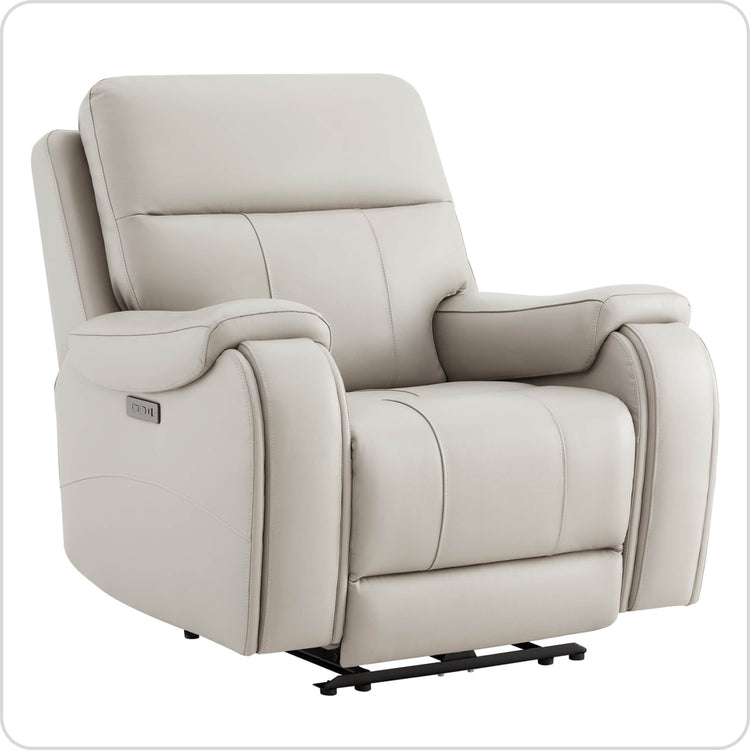
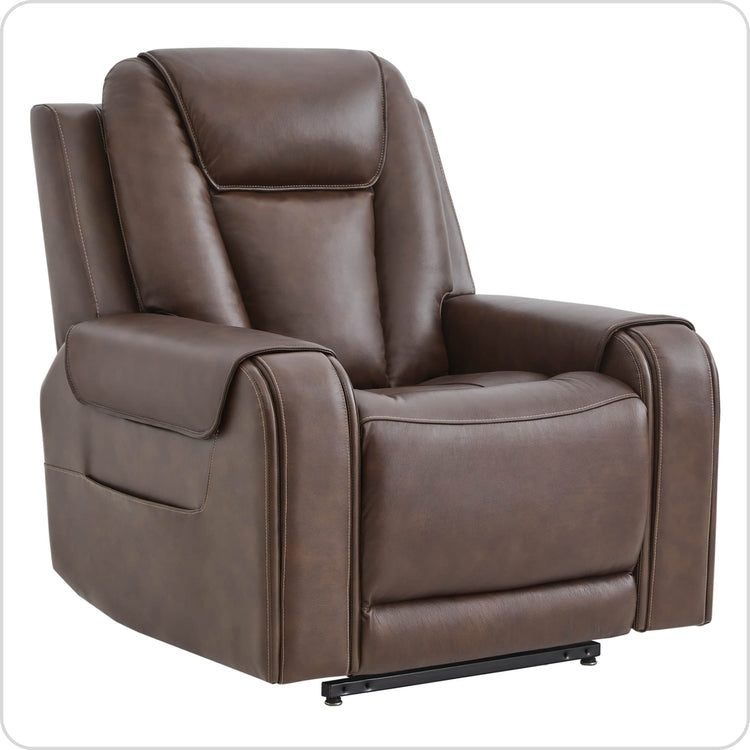
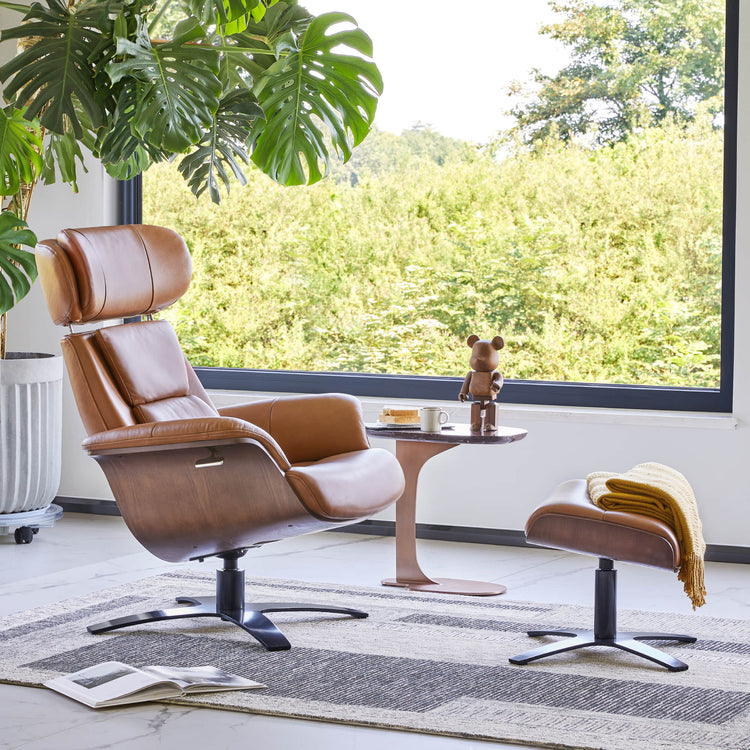
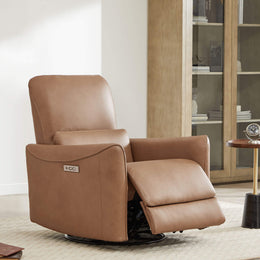
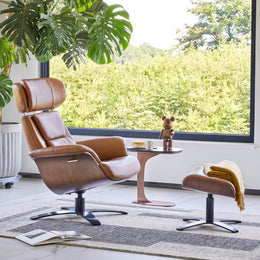
Test the headrest and lumbar support at the actual recline angle you plan to read in, not just sitting upright in the showroom. If you switch between upright and reclined reading, adjustable recline and head support are worth prioritizing because they let one chair serve both positions. Our Sonia recliner is one bounded example built for this split: it lists power lumbar support, a 165-degree maximum recline, and a manually adjustable winged headrest, with a suggested user height range of 5'2" to 6'1". Those are listed features to compare against your own recline habits, not proof that any specific chair fits your body.
Cushion Density and Seat Depth: Balance Support With Pressure Relief
Choose cushion feel and seat depth by the seated result they give you: a stable pelvis, supported thighs, and no pressure behind your knees. There's no universal cushion-density number for reading chairs, so treat firmness labels as comparison points rather than ergonomic guarantees.
Check the cushion under your pelvis and thighs
- Look for stable support under your sit bones rather than immediate sink-in softness.
- Make sure the cushion doesn't tilt your pelvis backward or let you slide forward over time.
- Confirm the front edge of the seat doesn't press into the back of your lower legs.
Use dimensions as comparison inputs
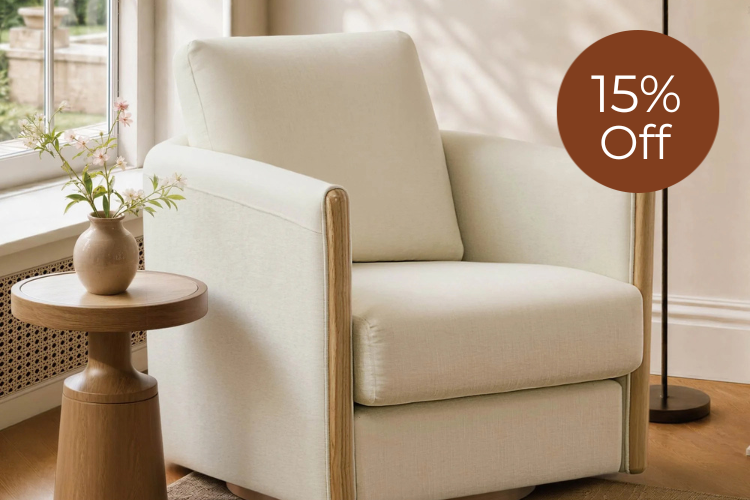
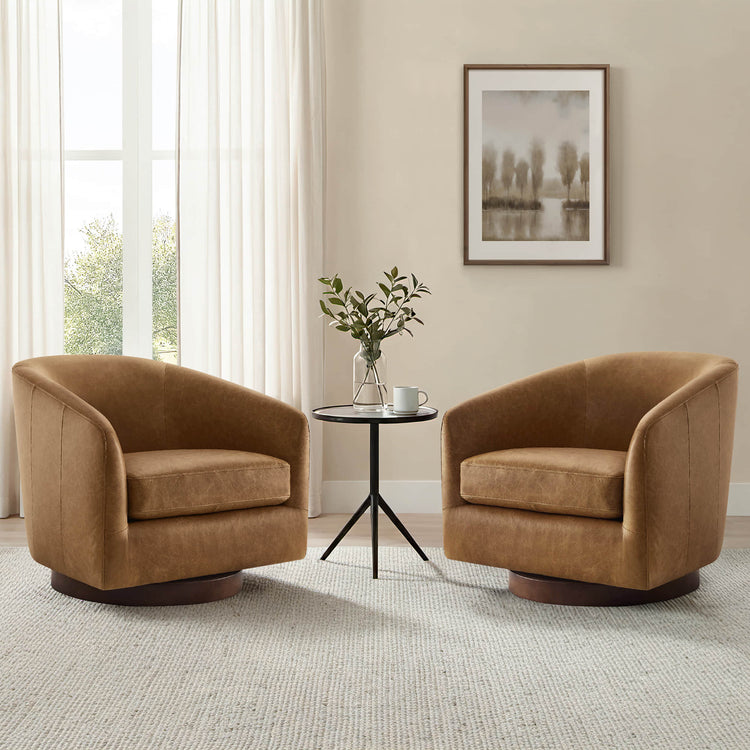
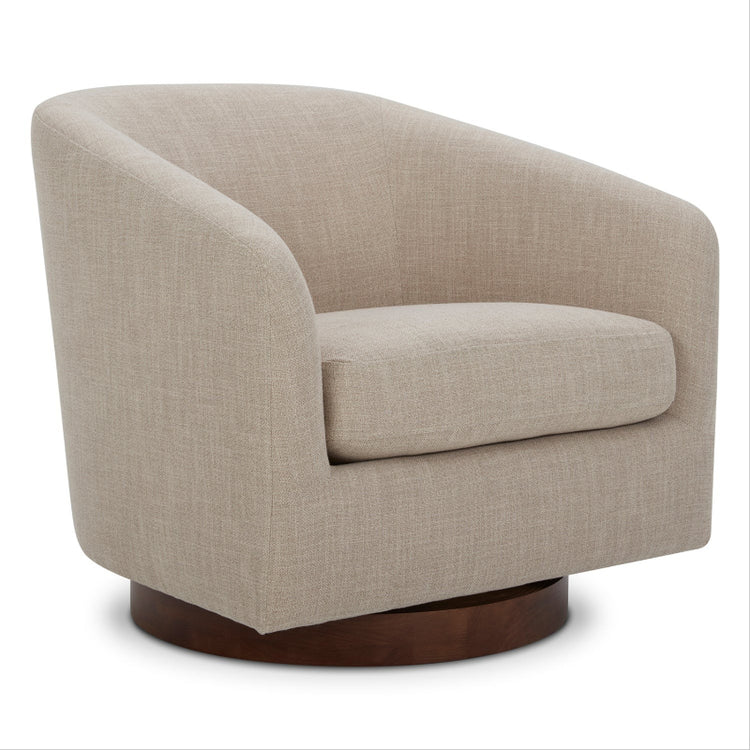
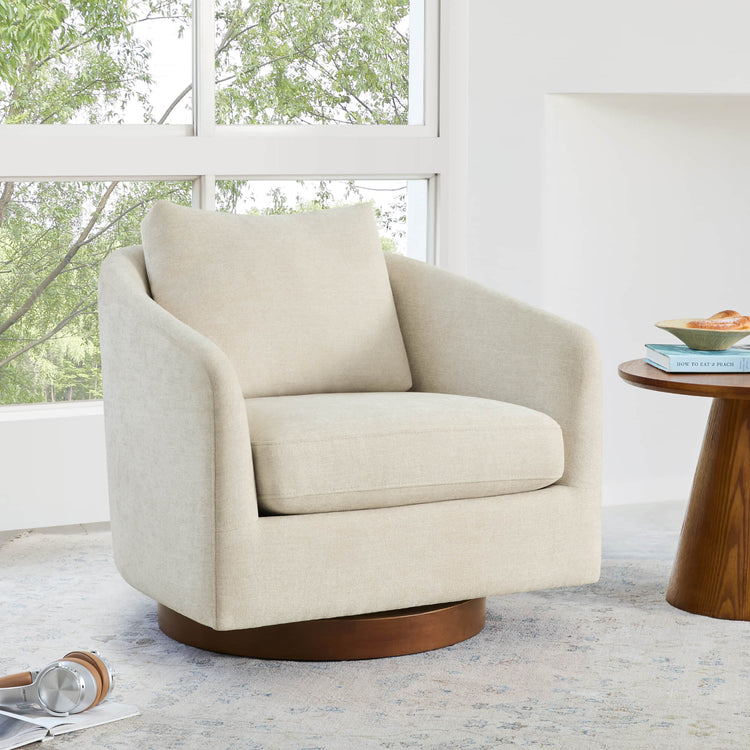
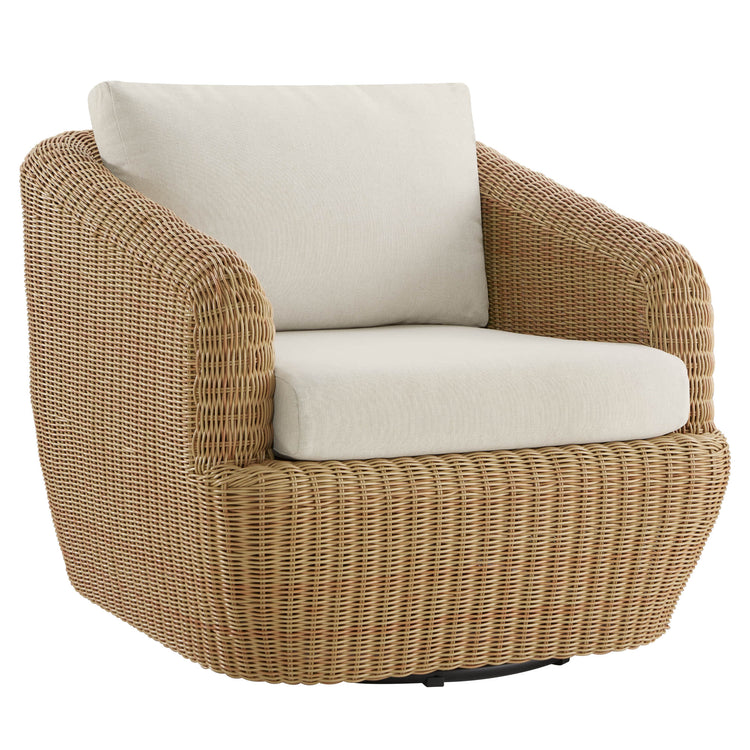
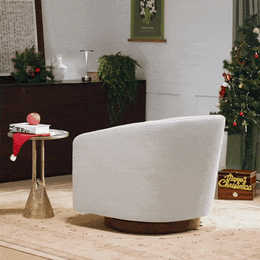
Compare listed seat depth and seat height with your own body rather than assuming a number is universally right. Our Wren accent chair lists a 19.7-inch seat depth, 17.3-inch seat height, and a firmness rating of 3 out of 5 using high-resilient foam topped with fiber. Those specifications are useful screening tools, not a guarantee that the fit will work for every reader; confirm the feel in person or through a workable return policy.
What to Look for in a Reading Chair
Run this screen before you buy, using your actual book or tablet and the position you read in most often.

- Identify your primary reading device and position: upright, reclined, or both.
- Sit fully back and check that the backrest meets your lower-back curve.
- Hold your book or tablet and test whether the armrests support your forearms without raising your shoulders.
- Check seat depth, knee clearance, and whether your feet stay supported on the floor or a footrest.
- If you read reclined, test head support and lumbar contact at that actual recline angle.
- Compare the listed dimensions, firmness, and adjustment range against your own body and habits.
- Confirm the return policy before buying, since fit is hard to judge from photos alone.
If a reading position causes pain that persists or gets worse, stop using that setup and talk to a qualified health professional instead of treating chair adjustments as a fix on their own.
FAQs
Can an ergonomic reading chair prevent neck or back pain?
No chair can promise that. A well-fitted chair reduces avoidable strain by supporting your lower back, arms, and head in the position you actually read in, but it isn't a treatment or a guarantee against pain. If discomfort persists, that's a signal to check with a health professional rather than swap chairs repeatedly.
What should I do if the armrests don't fit and can't be adjusted?
If fixed armrests lift your shoulders or sit too low to reach without leaning, you have two practical options: choose a chair with adjustable or removable armrests, or pick a size where the fixed height already matches your elbow position while holding your book or tablet. Compensating with pillows on the armrests is a temporary patch, not a real fix.
Is a recliner automatically more ergonomic than a regular armchair?
Not automatically. Recline range, a power headrest, or lumbar adjustment only help if they produce a supported position for your actual reading posture. A fixed accent chair that already fits your body can outperform a recliner whose adjustments don't match how you sit. Judge the chair by the position it gives you, not by its feature list.
Sources
Recommended Products

More to Read
 7 Sofa Trends That Actually Improve Comfort in 2026
Upgrade your living room with furniture that supports your body. Here are 7 modern sofa features designed to maximize your daily comfort...
7 Sofa Trends That Actually Improve Comfort in 2026
Upgrade your living room with furniture that supports your body. Here are 7 modern sofa features designed to maximize your daily comfort...
 Mother's Day Gift Guide: Cozy and Stylish Furniture Picks for Modern Moms
Make Mother's Day more meaningful with furniture gifts that bring comfort, smart features, storage, and quiet luxury into her everyday routine.
Mother's Day Gift Guide: Cozy and Stylish Furniture Picks for Modern Moms
Make Mother's Day more meaningful with furniture gifts that bring comfort, smart features, storage, and quiet luxury into her everyday routine.
 Performance Fabric Reality Check: Does It Really Repel Pet Hair and Stains?
Performance fabric is often marketed as a miracle solution for homes with pets and kids, but the reality is more nuanced. It...
Performance Fabric Reality Check: Does It Really Repel Pet Hair and Stains?
Performance fabric is often marketed as a miracle solution for homes with pets and kids, but the reality is more nuanced. It...