






















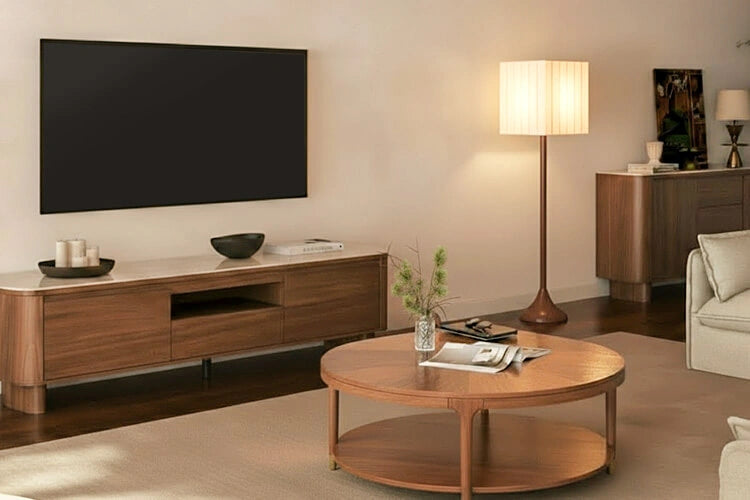
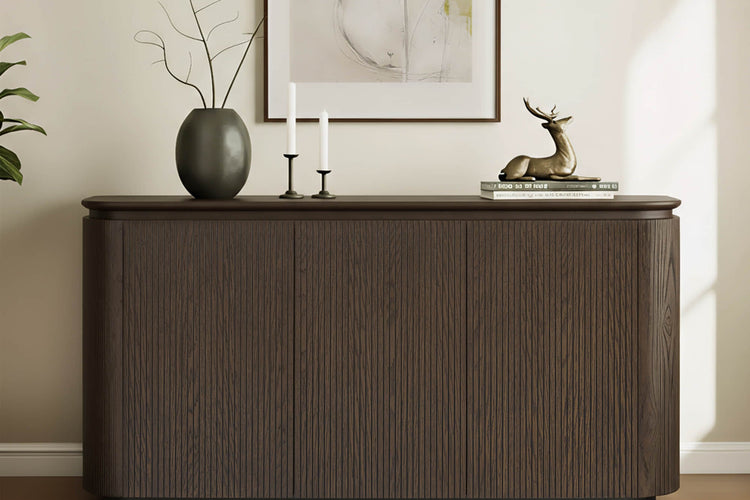
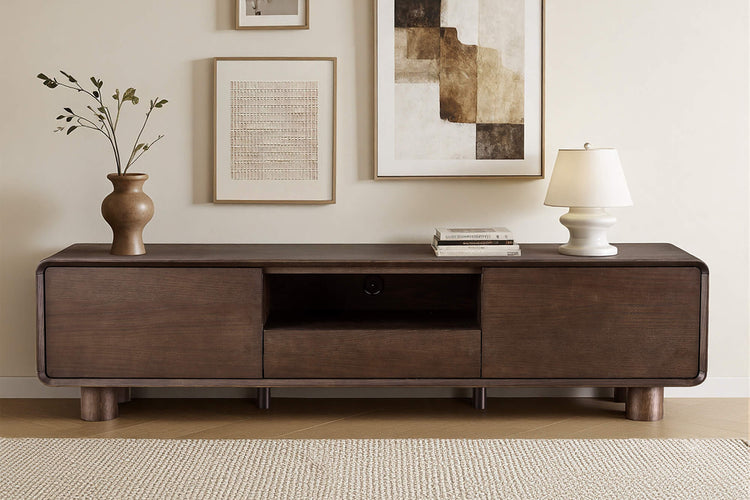
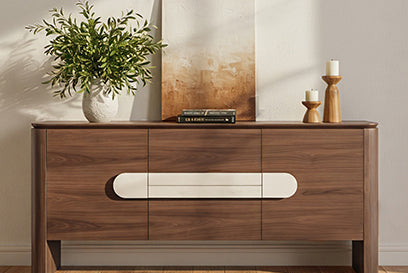










When choosing a TV stand for a 65-inch TV, a console between 60 and 70 inches wide is a practical starting point for planning. The best choice depends on the screen's measured width, its foot span, and the side clearance you want for audio gear.
Because a 65-inch measurement is only the diagonal screen size, you must measure the television's physical width and base footprint first. Comparing console width to the screen's actual dimensions ensures the feet sit safely on the usable surface without overhanging the edge.
What Size TV Stand Do I Need for a 65-Inch TV?
Selecting a TV stand for a 65-inch TV starts with a 60-to-70-inch planning range before confirming your television's exact physical footprint. This range balances visual proportions in standard living rooms while providing ample surface for support feet or center bases.
Because the 65-inch label measures the diagonal screen size, it does not reveal the TV's actual width or stance. Measure the television's total outer width and the exact span between its feet to ensure the base rests fully on the usable top surface. Treat the 60-to-70-inch figure as a practical planning guideline, then let your hardware measurements make the final call.
Width Ratios: Choose Compact, Balanced, or Wider
Comparing console width against your screen's actual width turns a sizing estimate into a reliable buying decision. Use the width ratios below to choose between compact, balanced, and wider furniture profiles.
Use the TV-to-Console Width Ratio
A standard 16:9 65-inch display measures approximately 56.7 inches wide, though individual bezel designs vary. Divide the console width by your TV's measured width to identify the best setup category.
| Setup Pattern | Width Relationship | Decision |
|---|---|---|
| Narrower than TV or feet span | Console width < TV width or foot span | Reject; feet or base will overhang the console |
| Approximately equal | Console width ≈ TV width | Conditional; verify feet sit fully on the usable top |
| Planning range | Console width 60-70 inches | Pass for most feet-on-stand and wall-mount setups |
| Wider than 70 inches | Console width > 70 inches | Conditional; useful for storage or side clearance, not required for support |
Every ratio tier assumes the stand's depth, load capacity, and component clearance meet manufacturer requirements.
Evaluate Compact, Balanced, and Wider Setups
A compact console functions only when the TV base fits securely within the usable surface and media gear is minimal. A balanced 60-to-70-inch stand provides standard side clearance and proportion for a single television and soundbar. Wider consoles exceeding 70 inches add room for center speakers, media receivers, and decorative accents, provided their depth and load ratings match your equipment.

Measure the Complete TV and Equipment Footprint
Create a complete measurement record of your hardware before ordering a media console. Comparing hardware footprints against usable cabinet surfaces prevents unstable overhangs and cable routing issues.
For a TV Resting on Its Supplied Feet
Measure the outer stance of both support feet or the total diameter of a center pedestal base. The entire support structure must sit securely on the console's usable top rather than extending to the bevelled outer edges.
- Measure the span from the outside edge of the left foot to the outside edge of the right foot.
- Confirm the measured span leaves safe clearance inside the console top's flat surface.
- Check the TV's depth to ensure rear cables have room to route without pressing against the wall.
For a Wall-Mounted TV
A wall mount supports the television's weight, allowing you to choose a console based on storage and visual balance. Measure the wall space, outlet positions, and baseboard depth so the stand sits flush beneath the screen.
Create One Complete Equipment Footprint
Catalog every device that will rest on or inside the entertainment console. Note the height, width, depth, weight, and rear cable clearances for each component to verify internal shelf fit.
- Record external dimensions and weight for each gaming console, streaming box, and audio device.
- Add clearance depth for power cords, HDMI connections, and audio interconnects.
- Keep these measurements ready for equipment placement and weight verification.
Our TV stand sizing guide offers additional measurement checklists for complex living room media layouts.
Soundbar, Center Speaker, and Receiver Placement Rules
Audio gear requires dedicated surface depth, clear line of sight, and adequate ventilation. Match your console choice to the specific dimensions and airflow needs of your sound equipment.
Soundbar-Only Placement
Position your soundbar so its top edge stays below the screen's bottom bezel and remote infrared sensor. Check that the soundbar's depth allows it to rest stably on the top surface without hanging over the front edge.
Center Speaker and Receiver Placement
Dedicated center channel speakers and AV receivers demand deeper shelves and active heat management. Review the receiver manual for required top and side ventilation clearances before placing it inside an enclosed compartment.
Use a Clearance Pass or Reject Decision
Approve a console candidate only when all audio components, line-of-sight paths, and ventilation channels remain unobstructed. Reject any layout where tight shelf dimensions pinch cables or restrict airflow around hot components.
- Pass when the screen edge, infrared eye, audio ports, and recommended airflow spaces remain unobstructed.
- Reject the setup if internal shelf depth forces cables to bend sharply against the back panel.
- Re-measure internal compartment openings before placing larger home theater receivers.
Verify Weight Capacity, Support, and Anti-Tip Stability
Safe equipment placement requires matching the total weight of your gear against the furniture manufacturer's tested load rating. Always secure freestanding displays and top-heavy furniture according to official safety guidelines.
Calculate the Complete Installed Load
Combine the weights of your television, soundbar, center speaker, audio receiver, and accessories to find the total load. Compare this aggregate weight against the console manufacturer's maximum rated capacity.
- Sum the weight of the TV and all audio-video equipment resting on the stand.
- Verify that this combined figure remains comfortably below the stand's published weight rating.
- Confirm that weight is distributed evenly across internal shelves and top panels rather than focused on an unsupported point.
Check Support and Anti-Tip Instructions
Televisions should only be placed on furniture specifically engineered to support them, with all manufacturer anchoring guidelines followed. According to CPSC anti-tip guidance, non-wall-mounted TVs and entertainment furniture should be anchored to the wall to prevent tip-over accidents. If a console's certified load rating or safety anchoring instructions are missing, stop and obtain those specifications before installation.
Match the Console to Your Setup Scenario
Your final furniture choice depends on mounting method, audio gear complexity, and storage requirements. Select the scenario below that reflects your entertainment center configuration.
TV on Supplied Feet with a Soundbar
Start with a balanced 60-to-70-inch console that accommodates your TV foot stance and soundbar depth on the open top surface. Reject any candidate where wide-set television legs sit within an inch of the console edges.
Wall-Mounted TV with a Console Below
Focus on console width and storage layout rather than structural weight capacity when your screen is secured to wall studs. Select a console that aligns with your soundbar dimensions and conceals power supplies neatly.
Center Speaker and Receiver Setup
Selecting a console for a 65-inch TV with dedicated home theater components requires extra width and internal clearance. For example, our 79-inch Aaron console offers a 400-pound load capacity with a 78.74-inch width and 15.75-inch depth, while our 79-inch Vanessa console provides 250 pounds of capacity across three storage drawers. Verify your specific receiver and speaker dimensions against internal shelf openings before purchasing.
FAQs
Can I Use a 55- or 60-Inch TV Stand with a 65-Inch TV?
Yes, as long as your television's actual outer width and foot span sit securely on the usable surface without overhanging. Verify that the console's weight capacity supports your equipment and leaves space for any planned soundbar.
How Much Weight Capacity Should a TV Stand Have for a 65-Inch TV?
The stand must safely support the combined weight of the TV, soundbar, receiver, gaming consoles, and accessories. Sum the weights of all equipment and confirm the total does not exceed the manufacturer's stated load limit.
How Deep Should a TV Stand Be for a Soundbar or Receiver?
Stand depth must accommodate component depth plus rear cable clearance and manufacturer-recommended ventilation space. Measure your receiver and soundbar directly, including cable bends, to determine the necessary surface or shelf depth.
Does a Wall-Mounted 65-Inch TV Need a Stand as Wide as the TV?
No, a wall-mounted TV does not rely on the stand for physical support. You can choose a narrower or wider console based on your room aesthetic, storage requirements, and soundbar placement needs.
Sources
- U.S. Consumer Product Safety Commission. AnchorIt.gov.
Recommended Products

More to Read
 7 Sofa Trends That Actually Improve Comfort in 2026
Upgrade your living room with furniture that supports your body. Here are 7 modern sofa features designed to maximize your daily comfort...
7 Sofa Trends That Actually Improve Comfort in 2026
Upgrade your living room with furniture that supports your body. Here are 7 modern sofa features designed to maximize your daily comfort...
 Mother's Day Gift Guide: Cozy and Stylish Furniture Picks for Modern Moms
Make Mother's Day more meaningful with furniture gifts that bring comfort, smart features, storage, and quiet luxury into her everyday routine.
Mother's Day Gift Guide: Cozy and Stylish Furniture Picks for Modern Moms
Make Mother's Day more meaningful with furniture gifts that bring comfort, smart features, storage, and quiet luxury into her everyday routine.
 Performance Fabric Reality Check: Does It Really Repel Pet Hair and Stains?
Performance fabric is often marketed as a miracle solution for homes with pets and kids, but the reality is more nuanced. It...
Performance Fabric Reality Check: Does It Really Repel Pet Hair and Stains?
Performance fabric is often marketed as a miracle solution for homes with pets and kids, but the reality is more nuanced. It...