

























A Swivel Recliner for Your Home Office: When It Makes Sense

A swivel recliner can give a home office a comfortable place for reading, listening to a call, or taking a break. For keyboard work, the chair also has to fit the desk, screen, and input devices. Decide which tasks you want the recliner to serve before choosing its size or features.
Choose the task before the chair
| What you do | What the seating needs to support |
|---|---|
| Typing and using a mouse for extended periods | A desk arrangement with reachable input devices, supported feet, and a suitable screen position. |
| Reading a document or listening to a call | A supported resting position with the material or device easy to see. |
| Brief review or planning | A stable surface for the device or notebook and a position you can change easily. |
| A break from the desk | Comfortable seating with room to stand up and move around. |
If desk work fills most of your day, evaluate the desk-and-chair arrangement first. A separate recliner makes sense when you have room and expect to use it for reading, calls, or breaks. It can also serve as living-room seating when the office shares a room with the rest of the home.

Check whether it works at your desk
Measure the recliner’s seat height and arm height against the desk. Sit all the way back and check whether the arms let you approach the work surface. If they stop you short, you may end up reaching forward to type.
- Keep the keyboard and mouse within easy reach while your upper arms stay close to your body.
- Check that your feet have stable support and that the seat edge feels comfortable behind your knees.
- Put the screen where you can read it with your head aligned over your torso.
- Make sure you can change position and get up without moving heavy furniture.
HSE’s workstation and laptop setup guidance describes supported sitting and the placement of the screen, keyboard, and mouse. Check these relationships at the desk you will actually use.
A fixed-height lounge seat may fit some desks and leave others too high. For regular typing, use the desk chair that lets you achieve a comfortable supported position. If a recliner will be your only office seat, test the exact desk arrangement before deciding.

Create a separate reading and call seat
Place the recliner where you can read in suitable light and set down a drink or notebook on a stable table. Keep the table outside the chair’s turning and reclining path. Support a book or tablet so you can see it without holding your head down for long periods.
A swivel base can make it convenient to turn toward a bookshelf or another person. Turn the chair within its specified range and keep the cable route free. Compare the rotation range for the model you choose; different swivel recliners have different limits. Our guide to gliding, swiveling, and reclining explains how these movements differ when a chair combines them. Keep the power lead visible and outside walking routes. WorkSafe New Zealand’s cord safety checklist identifies trip hazards, frayed insulation, and furniture damage as checks to make.
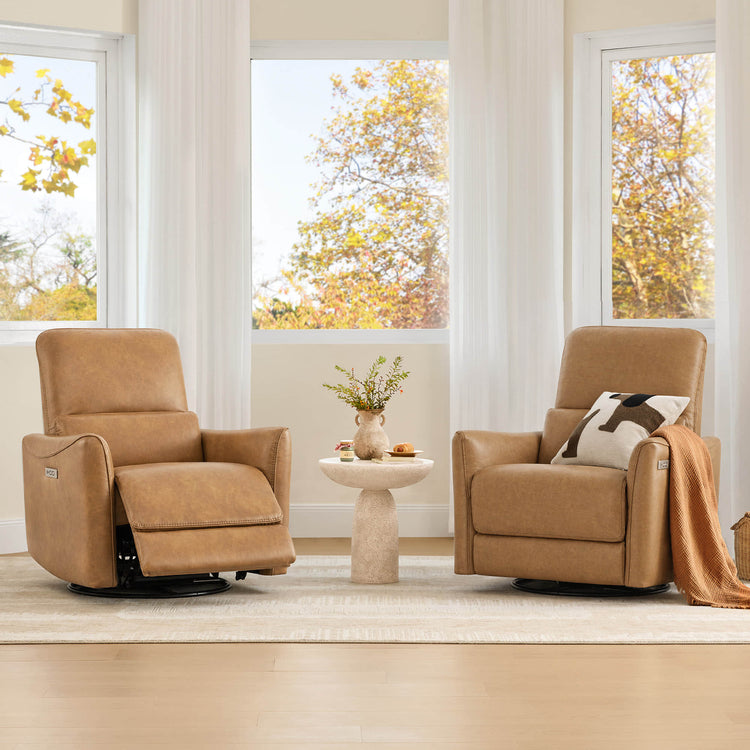
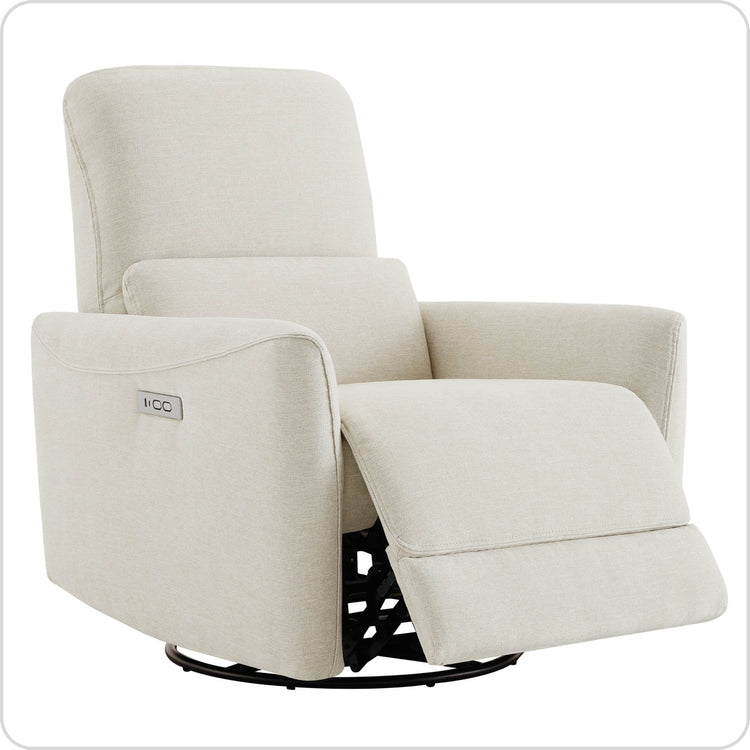
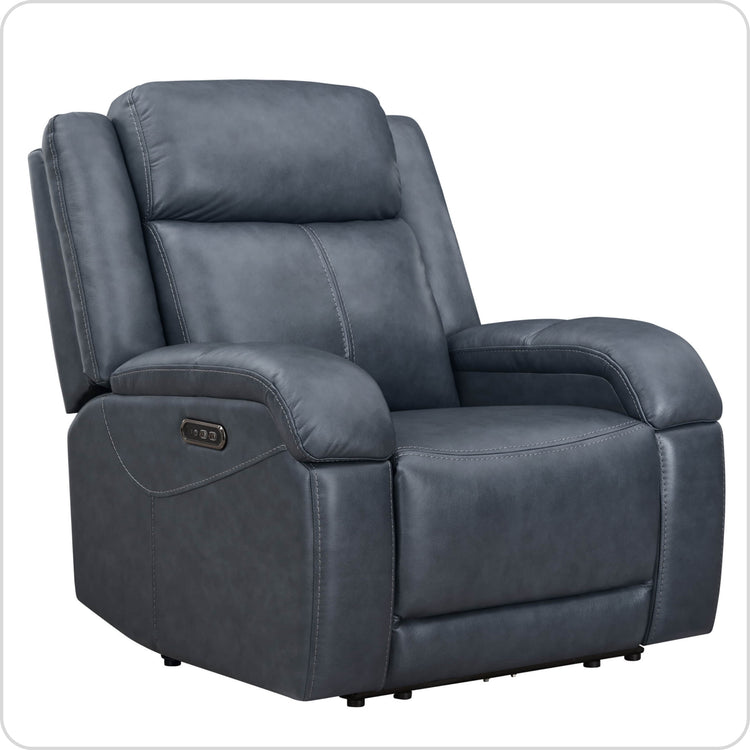
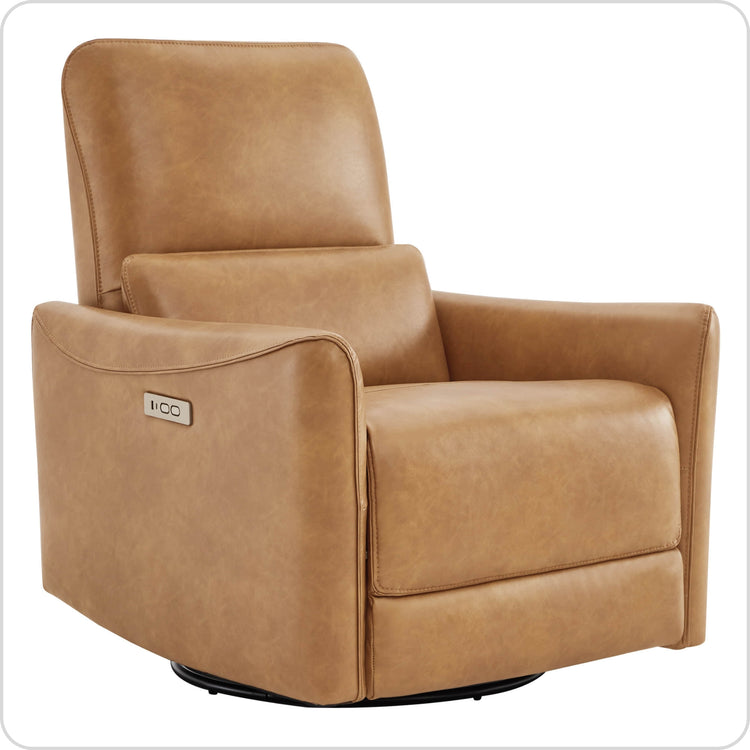
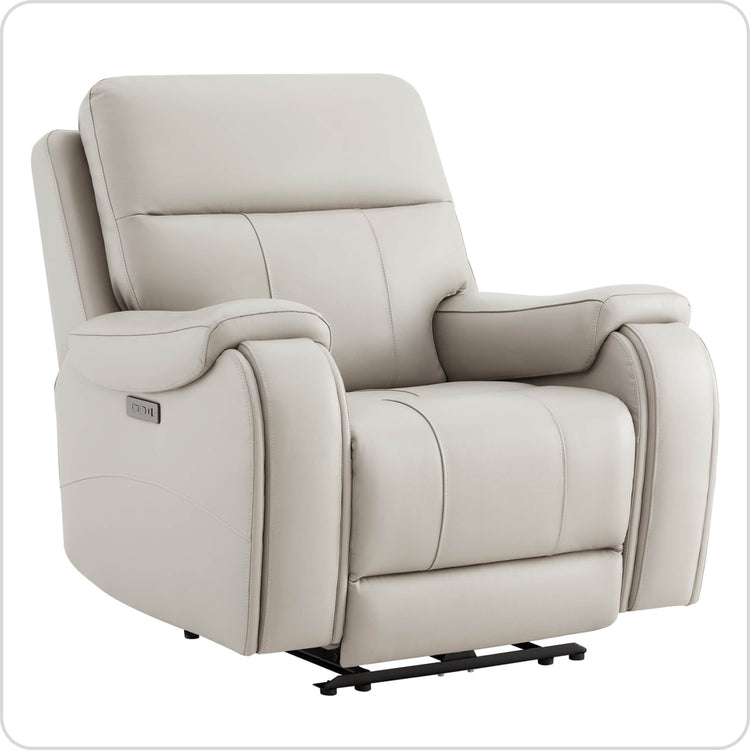
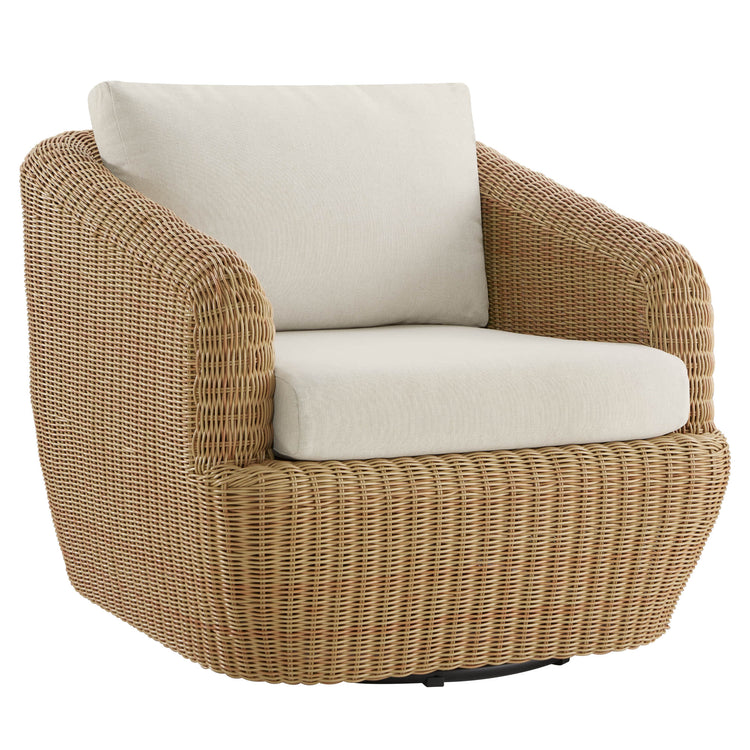
Our swivel recliners include a range of shapes and upholstery options. Compare the chair in its upright and reclined positions with the spot you want it to occupy.

Measure the swivel and recline space
- Mark the upright width and depth on the floor.
- Mark the full reclined depth and the required space behind the back.
- Check the area swept by the arms and footrest as the chair turns.
- Keep the path to the desk, door, and storage clear.
- For a powered chair, route the cable as specified so it stays away from moving parts.
Check the room with the desk chair pulled back and cabinet doors open. The recliner may fit neatly in a corner while upright and still block the main route when extended. A small side table is easier to position when you know the full movement area. For a wall-hugger design, our recliner clearance measuring guide includes front extension as well as rear space.
Compare the features you will use
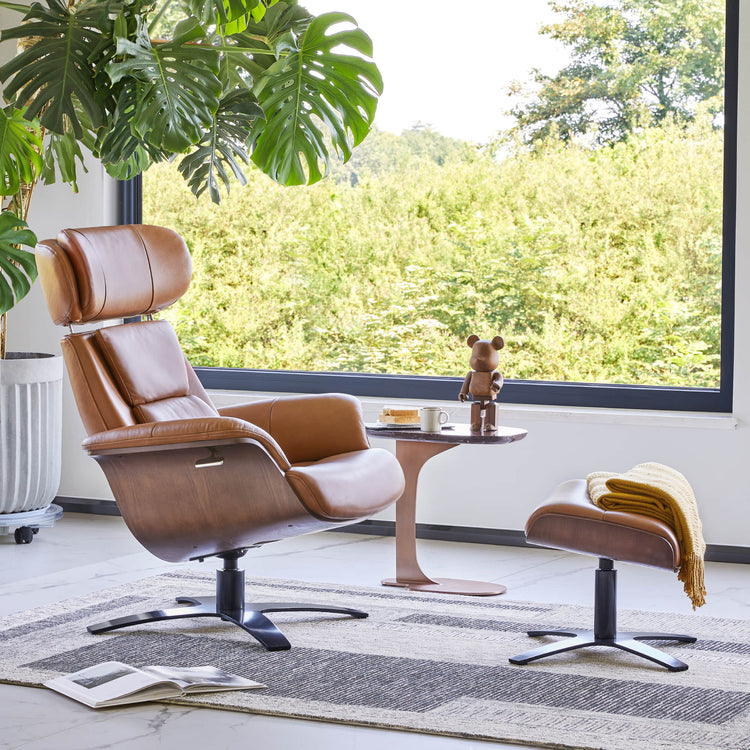
Look at seat depth, back support, head support, and the position of the controls. Try to read in the reclined position you prefer. An adjustable headrest can change the viewing angle on models equipped with one; its usefulness depends on how it fits you.
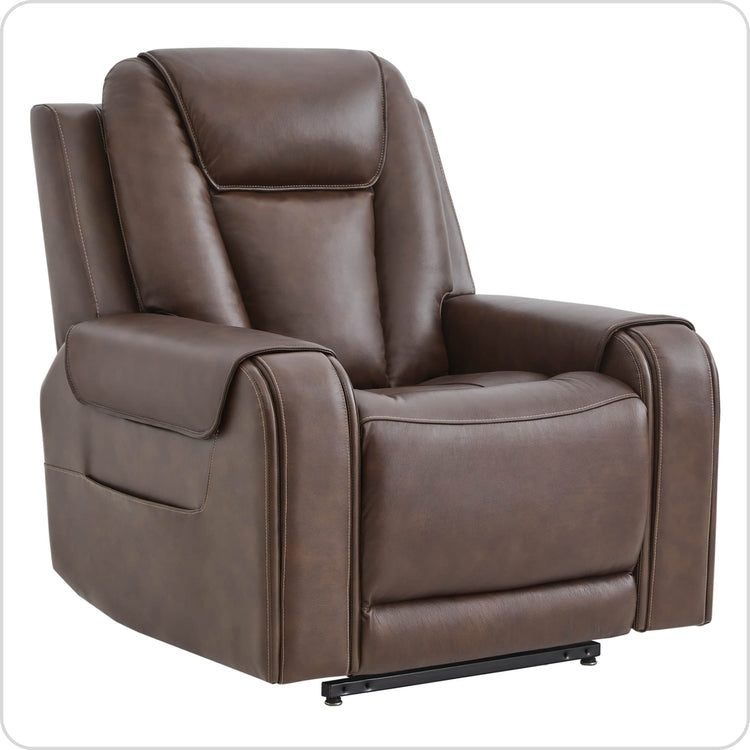
Our Vinca recliner with power lumbar and headrest adjustment is one option for comparing separate adjustment controls. Check its current dimensions and motion range alongside your layout. Our power and manual recliner comparison explains control operation and the effort involved in adjusting each type.
A USB port can be convenient for compatible devices. Check the port’s output and the device requirements before relying on it to charge work equipment. Keep cords out of the swivel path. The USB Implementers Forum’s USB Power Delivery overview describes a specific power capability. Check for that capability and the rated output on the selected port before using it for a laptop.
For a room centered on a sofa, our guide to short tasks on a reclining sofa covers screen placement, device support, and footrest clearance. Choose the seating arrangement that matches the work you expect to do there.

Home-office recliner questions
Can I use a swivel recliner as an office chair?
You can use one for reading, calls, and other tasks that suit a supported reclining position. For regular keyboard work, test the exact chair at your desk: seat height, arm clearance, keyboard reach, screen position, and foot support all need to work together.
Where should I put a home-office recliner?
Place it beside a suitable reading light, with a small stable table within reach and the full turning and reclining area clear. In a shared room, check the route to the desk and doorway with both seats occupied.
How much room does an office recliner need?
Allow for its upright footprint, fully reclined depth, required rear clearance, and the area swept during swiveling. Use the selected model’s dimensions and leave the door, desk, and storage routes usable.
Can I put a laptop on my lap in a recliner?
For brief use, a stable device support can help keep the laptop secure and its vents clear. Check whether the screen is easy to see and your hands can reach the keyboard comfortably. For sustained typing, a separate keyboard, mouse, and suitable work surface give you more placement options.
Does a power recliner need a nearby outlet?
Yes, its powered functions need the supply specified for that model. Plan the outlet and cable route before positioning the chair, keeping the cable clear of the swivel and reclining mechanism.
Recommended Products
 Recommended
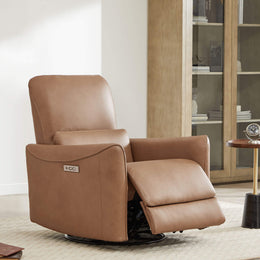
Vinca Modern Power Swivel Glider Recliner with Power Lumbar & Headrest
$807.99
Recommended
Vinca Modern Power Swivel Glider Recliner with Power Lumbar & Headrest
$807.99
 Recommended
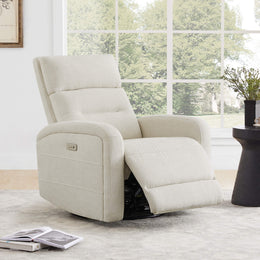
Tracee Modern Power Swivel Glider Recliner
$671.99
Recommended
Tracee Modern Power Swivel Glider Recliner
$671.99
 Recommended
Theo Power Swivel Glider Recliner
$587.99
Recommended
Theo Power Swivel Glider Recliner
$587.99
 Recommended
James Modern Genuine Leather Power Swivel Glider Recliner
$699.99
Recommended
James Modern Genuine Leather Power Swivel Glider Recliner
$699.99
More to Read
 7 Sofa Trends That Actually Improve Comfort in 2026
Upgrade your living room with furniture that supports your body. Here are 7 modern sofa features designed to maximize your daily comfort...
7 Sofa Trends That Actually Improve Comfort in 2026
Upgrade your living room with furniture that supports your body. Here are 7 modern sofa features designed to maximize your daily comfort...
 Mother's Day Gift Guide: Cozy and Stylish Furniture Picks for Modern Moms
Make Mother's Day more meaningful with furniture gifts that bring comfort, smart features, storage, and quiet luxury into her everyday routine.
Mother's Day Gift Guide: Cozy and Stylish Furniture Picks for Modern Moms
Make Mother's Day more meaningful with furniture gifts that bring comfort, smart features, storage, and quiet luxury into her everyday routine.
 Performance Fabric Reality Check: Does It Really Repel Pet Hair and Stains?
Performance fabric is often marketed as a miracle solution for homes with pets and kids, but the reality is more nuanced. It...
Performance Fabric Reality Check: Does It Really Repel Pet Hair and Stains?
Performance fabric is often marketed as a miracle solution for homes with pets and kids, but the reality is more nuanced. It...