


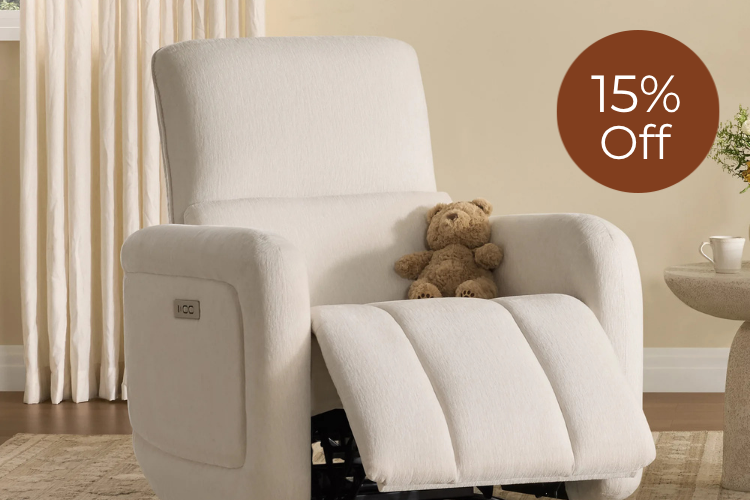








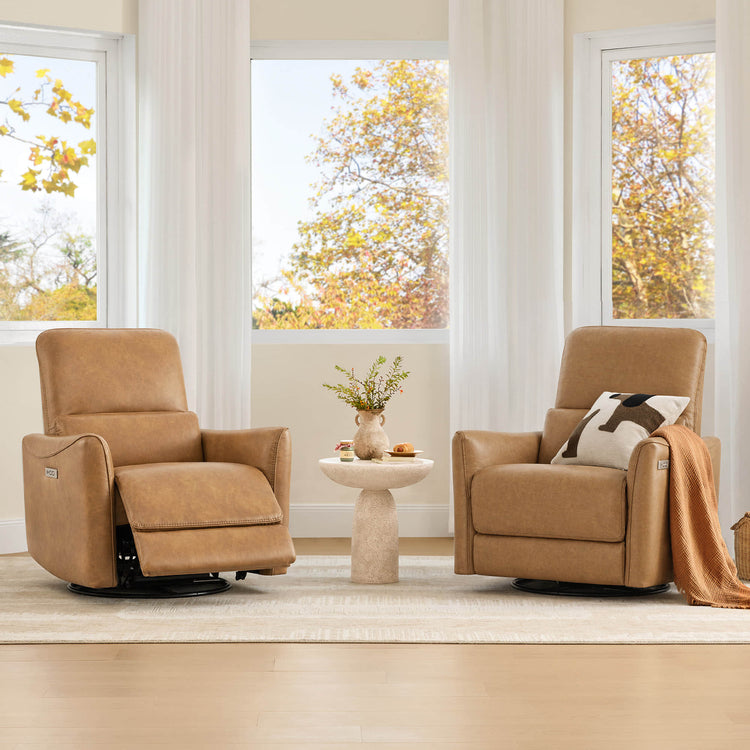
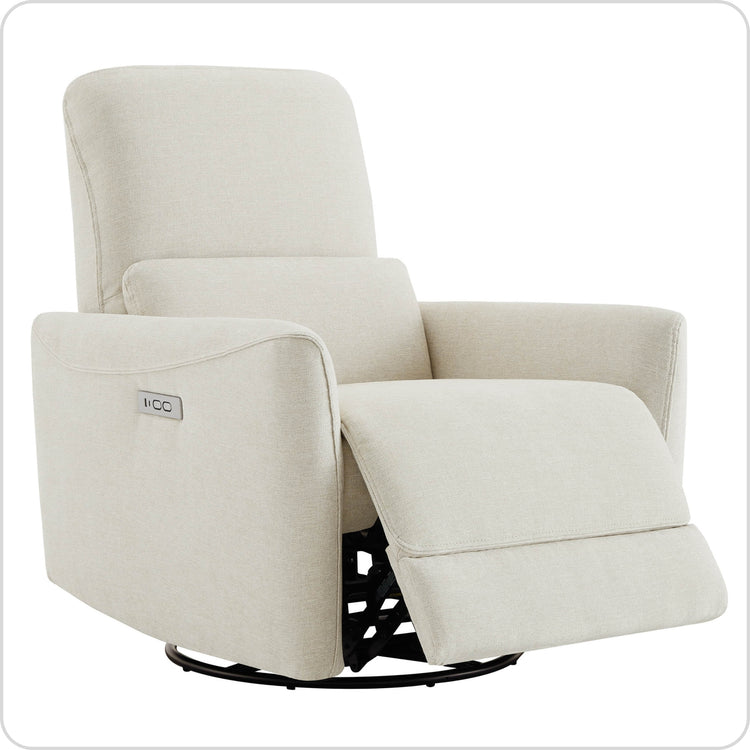
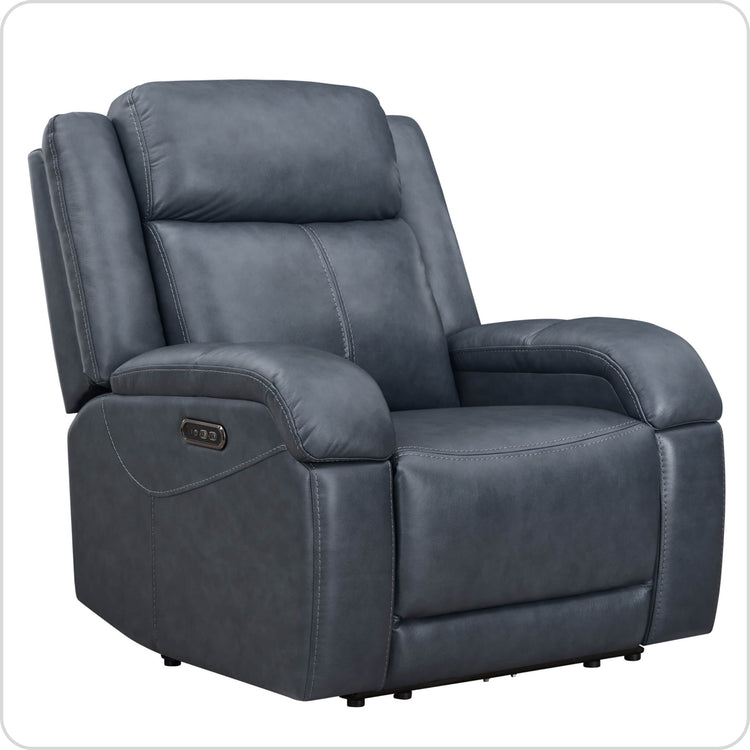
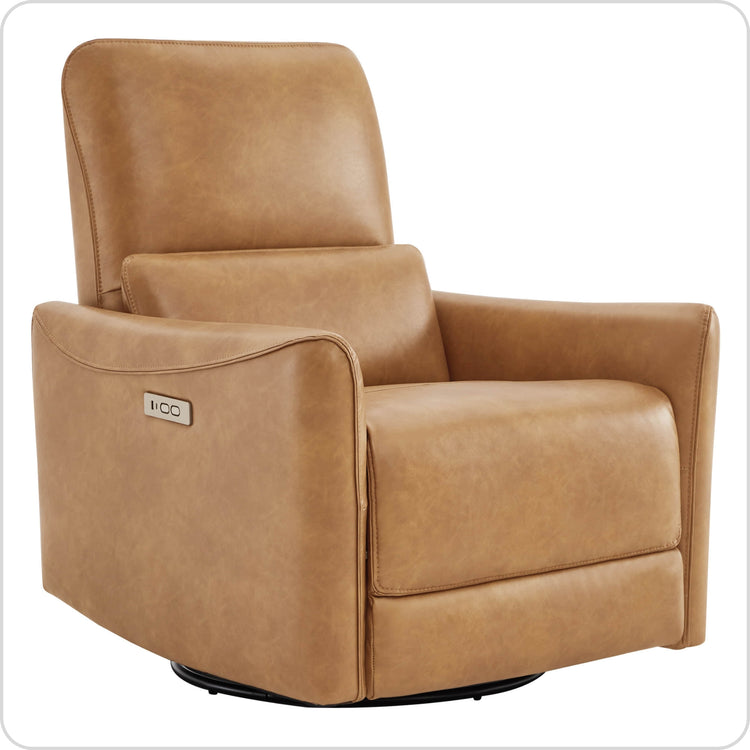

















In 2026, couch-desking has become a legitimate professional shift for many remote workers seeking better focus and comfort outside traditional desks. A well-tuned recliner workstation can support neutral body posture and reduce certain strains when you use active lumbar support, an elevated screen, and an external keyboard. The key is treating the recliner as an adjustable tool rather than a passive lounge chair.

The 2026 Shift: Why Professionals Are Trading Desks for Recliners
Couch-desking reflects the reality of hybrid work where professionals alternate between focused tasks and relaxed environments. Rather than signaling laziness, this trend addresses static load from prolonged upright sitting and creates deep-focus zones in living rooms or small apartments. Power recliners with precise motors outperform static sofas by letting you fine-tune angles, support, and positioning for different tasks.
The recliner workstation concept turns a living-room piece into a hybrid setup suitable for reading, typing, video calls, and analysis. This approach works especially well for those with limited dedicated office space or who already own a power recliner and want to optimize it for longer work sessions. However, success depends on proper setup—without accessories and adjustments, the same recliner can quickly lead to neck flexion, wrist strain, or lower-back fatigue.
For remote workers moving between desk and couch, or knowledge workers building a secondary station in the living room, a recliner workstation offers flexibility. It suits hybrid days mixing calls, typing, and reading, but it is not a universal replacement for a dedicated ergonomic office chair.
The Mechanics of the Recliner Workstation: Why Neutral Body Posture Matters
Reclining can reduce spinal disc pressure by transferring body weight to the backrest, provided the head, neck, and lumbar areas stay properly supported, according to research on spinal posture during upright and reclined sitting (PMC study on spinal posture). NASA's Neutral Body Posture concept illustrates a natural alignment where joints rest with minimal tension, often around a 128° trunk-to-thigh angle, which serves as a useful reference for designing low-strain workstations (NASA Neutral Body Posture Specifications).

This posture helps explain why a tuned recliner can feel more sustainable for some users than remaining rigidly upright for hours. The backrest shares load that would otherwise compress the lumbar discs. Yet the benefit disappears without active support: soft foam in many recliners creates a “Slouch Trap” where the lower back rounds and the pelvis tilts, increasing fatigue during typing or calls.
Active lumbar support counters this collapse by maintaining the natural curve of the lower back. Power-adjustable lumbar, found in triple-motor models, lets you fill the gap dynamically rather than relying on passive foam. This distinction separates “Work Mode” (moderate recline with engaged support for task focus) from “Lounge Mode” (deeper recline for passive media consumption).
Individual variability matters. The 128–135° range functions as a low-strain planning guideline rather than a universal target. Taller or shorter users may need slight tweaks, and comfort remains the final check. The goal is a posture that feels unlocked but keeps you alert and ready for work.
The Work Mode Sequence: Tuning Your Recliner for Deep Focus
Start by reclining to a moderate angle—roughly 128–135°—where your spine feels supported yet your torso stays upright enough for screen work. This zone typically balances decompression with the ability to maintain horizontal gaze and 90° elbow positioning. Avoid going fully horizontal during active tasks.
Next, engage the power lumbar support to fill the small of your back. Models with independent lumbar motors allow precise inflation or positioning so the foam does not swallow your posture. Proper lumbar engagement is essential to prevent the lower back from rounding during extended sessions.
Finally, adjust the power headrest forward until your gaze rests horizontally at the screen. This step prevents forward head posture, often called tech neck, that commonly appears when working from a sofa. The full sequence—recline first, then lumbar, then headrest, then accessories—creates a repeatable routine for deep-focus work.
The adjustment order matters because each step affects the next. Reclining too far before setting lumbar can lock in poor alignment. Treat these steps as a checklist you revisit every 30–60 minutes as your body shifts.
Essential Setup: Elevating Your Screen and Stabilizing Your Workspace
Placing a laptop directly on your lap creates two problems: downward neck flexion that strains the cervical spine and poor wrist angles that fatigue forearms. To keep the top of the screen near eye level, use a stable laptop stand, C-table, or adjustable arm. This rule comes directly from occupational health guidance that emphasizes neutral neck posture to prevent strain (UConn Workstation Adjustment Guide).
An external keyboard and mouse are non-negotiable for long sessions in a reclined position. They let you maintain relaxed shoulders and roughly 90° elbow angles, reducing wrist extension and shoulder elevation. Official work-from-home ergonomics resources consistently list separate peripherals as a core requirement for reclined or laptop-based setups (Midwestern University Laptop Ergonomics Guide).
Compare accessory options for your space. A mobile C-table or cantilevered monitor arm provides stable elevation without crowding the recliner. Lap desks can work for short periods but often lack the height adjustability needed for true eye-level positioning. Built-in USB-C ports on many power recliners keep devices charged without extra cables, maintaining a clean workspace.
Check your current setup with a simple test: can you look straight ahead at your screen while keeping elbows near your sides? If not, raise the screen or adjust the headrest before continuing work. This practical filter quickly reveals whether your recliner workstation meets basic ergonomic thresholds.
Daily Workflow: How to Evaluate and Adjust Your Setup
Use the 20-20-20 rule adapted for couch-desking: every 20 minutes, shift your recline angle slightly, look 20 feet away for 20 seconds, or stand briefly. Small movements prevent the static load that builds even in supportive recliners. The “chin-to-chest” check offers a quick self-audit—if your chin drops toward your chest, your screen is too low or your headrest needs forward tilt.
Zero-gravity modes, available on models like the Leif or Noah, work well for reading, calls, or recovery breaks because they elevate the legs and distribute weight evenly. Switch back to a moderate work-mode recline for heavy typing or detailed screen work. This alternation respects the different demands of tasks and reduces cumulative strain.
Evaluate your setup weekly. Sit in your recliner, perform your normal work sequence, and note any pressure points, fatigue after 90 minutes, or tendency to slouch. Adjust lumbar firmness, headrest angle, or accessory height accordingly. If you consistently feel neck or lower-back discomfort after following the sequence, the recliner may not be the right primary workstation for your body proportions or task mix.
Power recliners with triple-motor systems (independent back, footrest, and lumbar/headrest controls) give the most flexibility for switching between work and lounge modes throughout the day. Triple-motor power recliners generally outperform dual-motor or manual models for this hybrid use.
Is a Recliner Workstation Right for Your 2026 Setup?
A recliner workstation suits remote workers who already own or plan to buy a power model with adjustable lumbar and headrest, have space for a stable laptop stand and external keyboard, and can alternate between focused work and movement breaks. It fits small-apartment living rooms or hybrid days where you want one versatile piece instead of a second desk.
It is not a fit if you lack accessories (laptop on lap almost always leads to strain), need rock-solid wrist support for 8+ hours of intensive typing, or cannot commit to regular posture checks. In those cases, a traditional ergonomic office chair or height-adjustable desk usually creates fewer compromises.
Start with the Work Mode sequence above and test for one full workday. Track energy, discomfort, and focus. The recliner workstation works best as a thoughtful, tuned system rather than a simple swap from your desk.
Can a Recliner Really Replace a Desk Chair for All-Day Work?
Only with the right accessories and regular adjustments. Without an elevated screen and external keyboard, most users develop neck and wrist issues within a few hours. Power models with independent lumbar and headrest motors offer the best chance of success, but they still require active tuning rather than passive sitting.
How Long Can I Safely Work in a Recliner Before Taking a Break?
Aim for no more than 45–60 minutes in one fixed posture before shifting angle, standing, or walking. The 20-20-20 rule helps, but the real limit depends on your lumbar support quality, screen height accuracy, and individual back health. Zero-gravity positions are better reserved for shorter recovery breaks rather than primary work.
What Is the Best Recliner Feature for Laptop Work?
Independent power lumbar support combined with a power headrest provides the biggest ergonomic payoff. Lumbar prevents collapse in soft cushions; the headrest keeps gaze horizontal. USB charging ports and zero-wall mechanisms add practical convenience for living-room setups.
Does Zero Gravity Mode Work for Typing and Video Calls?
It works better for passive tasks like reading or listening than for active typing. The deep recline and elevated legs reduce spinal load but can make precise keyboard or mouse control harder and increase shoulder reach. Use it for calls or breaks, then return to a moderate work-mode angle for typing.
How Do I Choose the Right Recliner Size and Mechanism for Couch-Desking?
Measure your living room clearance first. Wall-hugger or zero-wall designs need only 3–6 inches behind the chair and suit apartments best. Taller users often prefer higher seat heights and longer footrests. Test the power lumbar range in person—some models offer more inflation travel than others. Prioritize triple-motor configurations for independent control of back, leg, and lumbar/headrest functions.
Recommended Products

More to Read
 7 Sofa Trends That Actually Improve Comfort in 2026
Upgrade your living room with furniture that supports your body. Here are 7 modern sofa features designed to maximize your daily comfort...
7 Sofa Trends That Actually Improve Comfort in 2026
Upgrade your living room with furniture that supports your body. Here are 7 modern sofa features designed to maximize your daily comfort...
 Mother's Day Gift Guide: Cozy and Stylish Furniture Picks for Modern Moms
Make Mother's Day more meaningful with furniture gifts that bring comfort, smart features, storage, and quiet luxury into her everyday routine.
Mother's Day Gift Guide: Cozy and Stylish Furniture Picks for Modern Moms
Make Mother's Day more meaningful with furniture gifts that bring comfort, smart features, storage, and quiet luxury into her everyday routine.
 Performance Fabric Reality Check: Does It Really Repel Pet Hair and Stains?
Performance fabric is often marketed as a miracle solution for homes with pets and kids, but the reality is more nuanced. It...
Performance Fabric Reality Check: Does It Really Repel Pet Hair and Stains?
Performance fabric is often marketed as a miracle solution for homes with pets and kids, but the reality is more nuanced. It...