








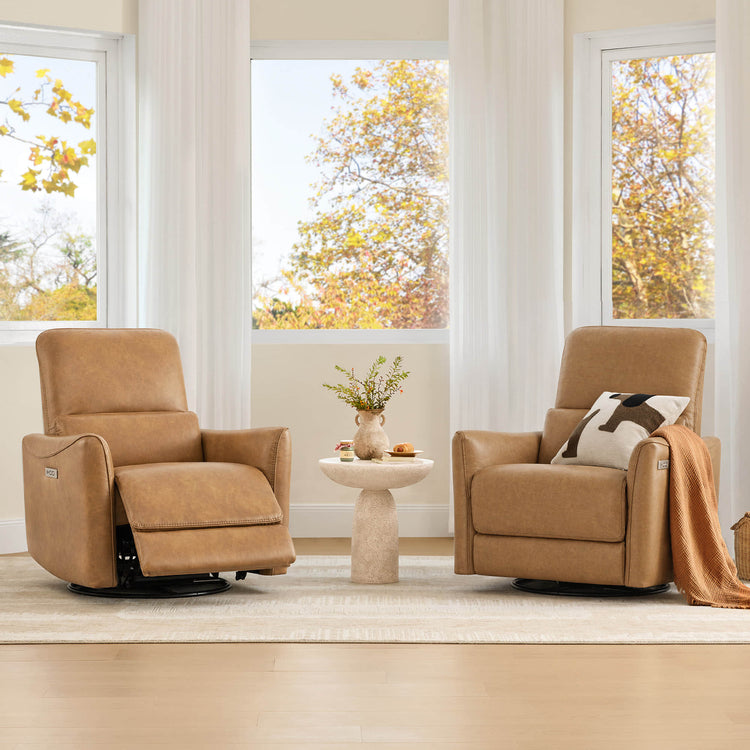
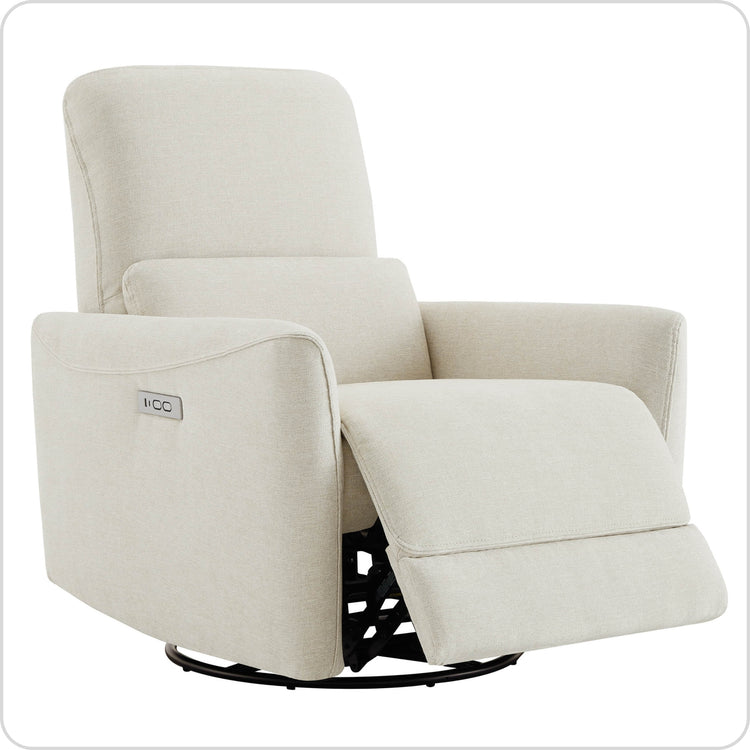
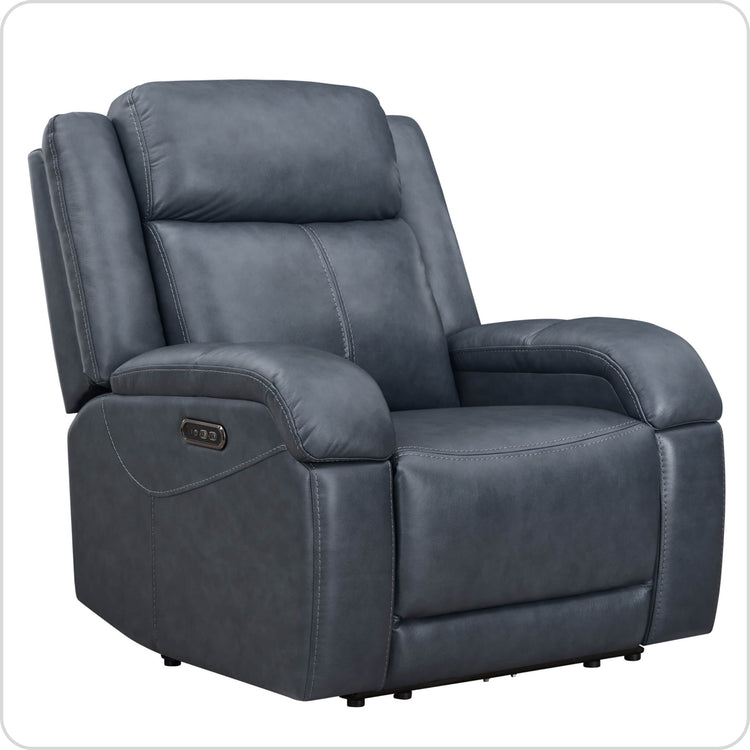
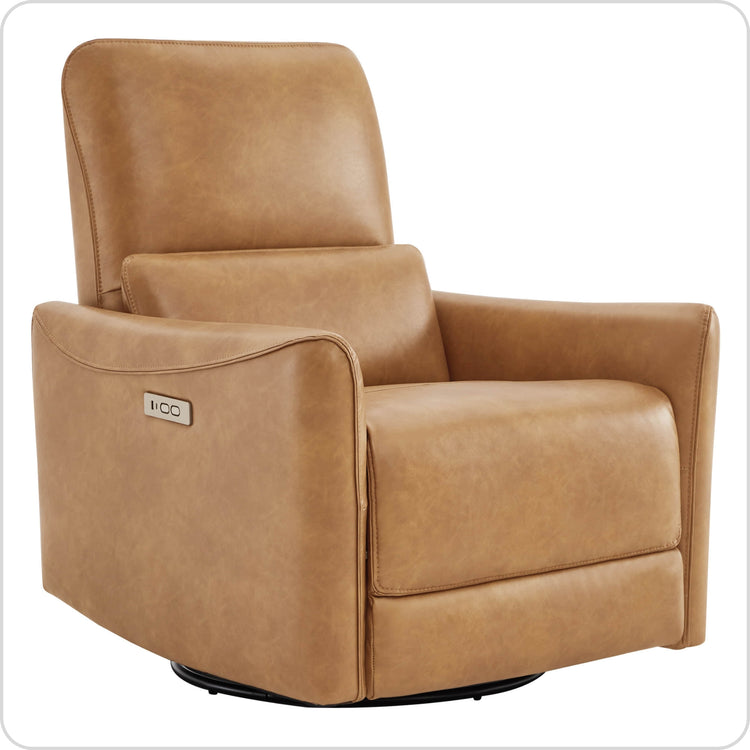
















Matter & Thread: The 2026 Guide to Smart Power Reclining Systems

In 2026, Matter and Thread turn a power recliner from an isolated gadget into a true participant in your unified smart home. These open standards enable local control across Apple Home, Google Home, Amazon Alexa, and Samsung SmartThings, support instant safety-stop commands, and let AC-powered models strengthen your mesh network while allowing automated presets and energy-aware charging.

The shift matters most for buyers who already use multiple voice assistants or want scene-based automation that includes their seating. However, not every recliner labeled “smart” delivers native Matter support, and battery-powered models behave differently on the Thread network than always-plugged AC versions. Understanding these distinctions early prevents setup frustration and mismatched expectations.
How Matter and Thread Change Smart Furniture Interoperability in 2026
Matter 1.5 standardizes control of motorized furniture through the Closures cluster, replacing proprietary apps with a single language that major ecosystems understand (official Matter 1.5 announcement). This means one recliner can be controlled from several family members’ preferred apps without cloud dependency.
Thread 1.4 adds the low-power mesh backbone. It delivers sub-20 ms latency for safety-critical stop commands, ensuring the chair halts movement almost instantly when you issue a voice or app command (Thread 1.4 Features White Paper).
Local control is the biggest practical upgrade. When your internet goes down, a properly configured Matter-over-Thread recliner continues to respond to commands from devices on the same local network. This eliminates the “digital deadlock” scenario common in older cloud-only designs where a power recliner becomes stuck during an outage.
For most tech-forward homeowners, the combination means your recliner finally behaves like a first-class citizen in the smart home rather than a separate app you rarely open.
Setting Up Your Smart Recliner: Hubs, Ecosystems, and Local Control
Look for genuine Matter certification rather than vague “works with” labels. The former guarantees local execution; the latter often routes commands through the cloud.

You will need a Matter controller—Apple HomePod, Google Nest Hub, Amazon Echo, or compatible Samsung device—to commission the recliner. Once added, Multi-Admin support lets every household member control it from their favorite platform without conflicts.
Setup typically follows three steps: place the recliner within good Thread range of a border router, scan the Matter QR code with your controller app, and assign it to rooms or scenes. Firmware updates should be performed while the chair is in the fully closed “Home” position to avoid mechanical binding if the update interrupts movement.
Many buyers underestimate the hub requirement. If your current ecosystem lacks a Thread border router, you may need to add one. This extra device is a common source of buyer regret for apartment dwellers who expected plug-and-play simplicity.
Check our guide on hidden tech features to see how these integration steps compare with more traditional power recliner options.
Voice Control and Scene Automation: Beyond Simple Movement
The Mode Select cluster lets voice assistants map spoken commands to complex movements. Saying “Cinema mode” can simultaneously adjust the backrest, footrest, headrest, and even trigger linked lighting or TV routines.
Scene automation extends further. You can create a “Sleep Mode” that automatically returns the recliner to upright when your bedroom lights turn off or when presence sensors detect everyone has left the room. In a home theater, the recliner can join a larger scene that dims lights, closes shades, and reclines seating at the press of one button or a single voice command.
These automations work best when the recliner uses local Thread communication rather than Wi-Fi. Response feels immediate, and the system continues functioning during internet outages.
Home theater enthusiasts particularly benefit. Synchronized presets eliminate the need to juggle multiple remotes while preserving the immersive experience. However, overly aggressive sensor-based triggers can produce “ghost” movements if pets or children interfere, so most users start with time-of-day or manual activation before adding presence sensors.
Smart Power Management and Energy Efficiency Beyond USB Charging
The Device Energy Management cluster introduced in Matter 1.4 lets the recliner report battery status and participate in utility-driven charging schedules. This means the chair can delay charging until off-peak electricity rates if your hub and utility support it (Silicon Labs Matter 1.4 overview).
Power source choice creates a meaningful network trade-off. AC-powered recliners act as always-on Thread routers that extend your mesh and eliminate dead zones in larger living rooms. Battery-powered models operate as sleepy end devices that conserve energy but cannot route traffic for other devices (Thread Group smart home overview).
AC Power vs Battery Power for Matter over Thread Recliners
Shows when an AC-powered recliner can strengthen the Thread mesh by acting as a Mesh Extender, and when a battery-powered recliner is usually enough as a sleepy end device.
View chart data
| Scenario | Very low traffic | Light control use | Frequent control use | Multi-room mesh need |
|---|---|---|---|---|
| Battery-powered recliner | 0.0 | 1.0 | 1.0 | 1.0 |
| AC-powered recliner | 0.0 | 1.0 | 2.0 | 2.0 |
The chart above visualizes the likely network contribution across common usage patterns. Battery models suffice for occasional voice commands in small apartments. AC models become the clearer choice when your living room has coverage gaps or when the recliner will be used frequently in a larger multi-device Thread network.
Precision battery monitoring also improves. You receive phone alerts before the chair loses power, avoiding the inconvenience of a suddenly unresponsive recliner.
Practical Buying Criteria: Setup Friction and Long-Term Reliability
Physical override buttons remain essential. During an extended internet or hub outage, you need a reliable way to return the chair to upright without depending on an app. This tactile backup prevents the “stuck in recline” scenario that frustrates many early smart-furniture adopters.
Firmware updates carry risk. A failed update while the chair is reclined can leave mechanisms in an unsafe state. Manufacturers that require the chair to be fully closed before updating reduce this liability. Always verify the policy before purchase.
Hidden tech aesthetics can also mislead. Many “wireless-looking” designs still require an external power brick or occasional charging cable. True zero-wall models with integrated Matter controls minimize visible clutter but often command a premium.
Privacy-conscious buyers should prefer local-only Matter control over cloud-dependent implementations. Local control prevents usage data—such as sitting duration or weight—from leaving your home network.
Our wall-hugger recliner guide provides additional measurements and layout considerations that complement smart-feature decisions.
How to Choose the Right Smart Recliner for Your Home Theater or Living Room
Living rooms benefit most from AC-powered models that double as Thread mesh extenders. Prioritize these when your current network has weak spots or when multiple family members will issue frequent commands. Look for recliners with clear Matter certification and physical buttons.
Home theaters reward strong scene integration. Choose models that expose multiple presets through the Mode Select cluster so one voice command can coordinate seating, lighting, and AV equipment. Zero-gravity positions with power headrests enhance the immersive experience while maintaining Matter compatibility.
Small apartments or condos favor zero-wall or wall-hugger designs that preserve floor space. Here, battery-powered options can reduce cable clutter if your Thread network is already robust. However, verify that the chosen model still offers local control and physical overrides.
A practical self-check before buying: confirm the recliner carries official Matter 1.5 certification for Closures, includes physical backup controls, and matches your power preference (AC for network help, battery for minimal wiring). Test the return policy—setup friction only reveals itself after unboxing.
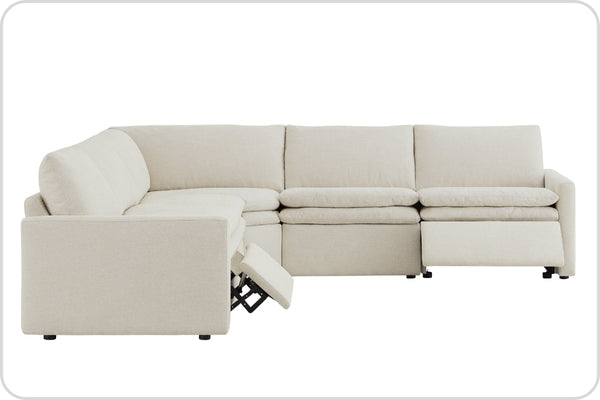
For premium leather options that balance these smart capabilities with everyday durability, explore our leather recliners collection. Models like the Isaac Genuine Leather Wall Hugger Power Recliner illustrate the zero-wall form factor many small-space buyers need, while the Haley modular power reclining sofa demonstrates multi-seat scene automation potential.
Additional reading on related topics includes our spec-sheet comparison guide and the rise of wellness recliners.
FAQs
Do All Power Recliners Need a Separate Thread Border Router?
Most 2026 Matter-over-Thread recliners require at least one border router in the home, typically provided by a recent Apple HomePod, Google Nest Hub, or compatible Echo device. Without it, the recliner falls back to slower Wi-Fi or cloud routing, losing the low-latency and local-control benefits of Thread. Check your existing hub before purchase.
Can I Control a Matter Recliner During an Internet Outage?
Yes, provided the recliner uses native Matter-over-Thread and your controller is on the local network. Commands continue to work even without internet. However, cloud-only or “works with” implementations usually fail when connectivity is lost. Physical buttons remain the ultimate backup.
Does Battery Power Limit Scene Automation Features?
Battery models can still participate in scenes and voice commands, but they cannot act as mesh routers. In homes with strong existing coverage this rarely matters. In larger or multi-room setups, the reduced routing capability may introduce slight delays for distant devices. Most users notice no difference for occasional recliner-specific automations.
Are Firmware Updates Safe on Smart Recliners?
They can be, but only if the manufacturer requires the chair to be in the fully closed position before updating. Failed updates while reclined have left some early models mechanically stuck. Always follow the brand’s exact instructions and keep physical override buttons accessible.
How Private Is Usage Data From a Smart Recliner?
Local-only Matter implementations keep all data inside your home network. Cloud-dependent models may share anonymized usage statistics with the manufacturer or third parties. Review the privacy policy and prefer devices that default to local control if data privacy is a priority.
Will My Existing Voice Assistant Work With a New Matter Recliner?
It should if you have a compatible Matter controller from the same ecosystem. Alexa, Siri, and Google Assistant can all trigger Mode Select presets once the recliner is commissioned. Multi-Admin support allows the same chair to appear in multiple assistants simultaneously without extra configuration.
Recommended Products


More to Read
 7 Sofa Trends That Actually Improve Comfort in 2026
Upgrade your living room with furniture that supports your body. Here are 7 modern sofa features designed to maximize your daily comfort...
7 Sofa Trends That Actually Improve Comfort in 2026
Upgrade your living room with furniture that supports your body. Here are 7 modern sofa features designed to maximize your daily comfort...
 Mother's Day Gift Guide: Cozy and Stylish Furniture Picks for Modern Moms
Make Mother's Day more meaningful with furniture gifts that bring comfort, smart features, storage, and quiet luxury into her everyday routine.
Mother's Day Gift Guide: Cozy and Stylish Furniture Picks for Modern Moms
Make Mother's Day more meaningful with furniture gifts that bring comfort, smart features, storage, and quiet luxury into her everyday routine.
 Performance Fabric Reality Check: Does It Really Repel Pet Hair and Stains?
Performance fabric is often marketed as a miracle solution for homes with pets and kids, but the reality is more nuanced. It...
Performance Fabric Reality Check: Does It Really Repel Pet Hair and Stains?
Performance fabric is often marketed as a miracle solution for homes with pets and kids, but the reality is more nuanced. It...